


Introducing the first-ever build of The Pixel Project for the Nothing Phone (1), powered by Android 15 QPR2. This custom ROM aims to provide a Pixel-like experience enhanced with thoughtful tweaks and in-built KernelSU Next, tailored for performance and stability.
Contents
This version 2.1, released on May 1, 2025, is ideal for those looking to explore Android 15 in its purest form—without compromising on useful extras.
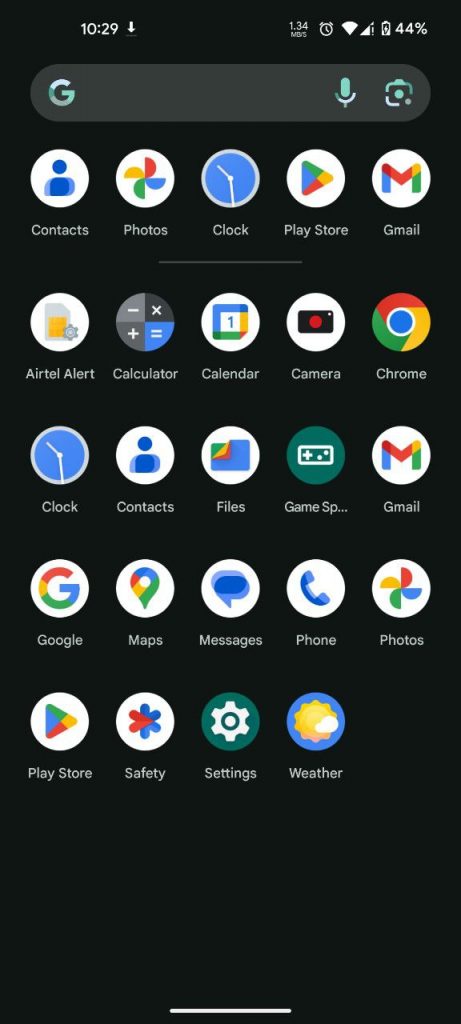
Screenshots:
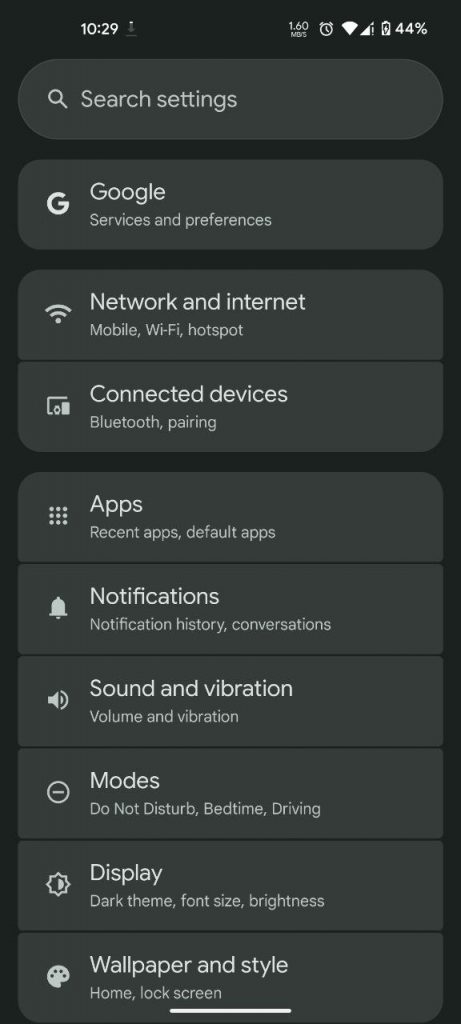
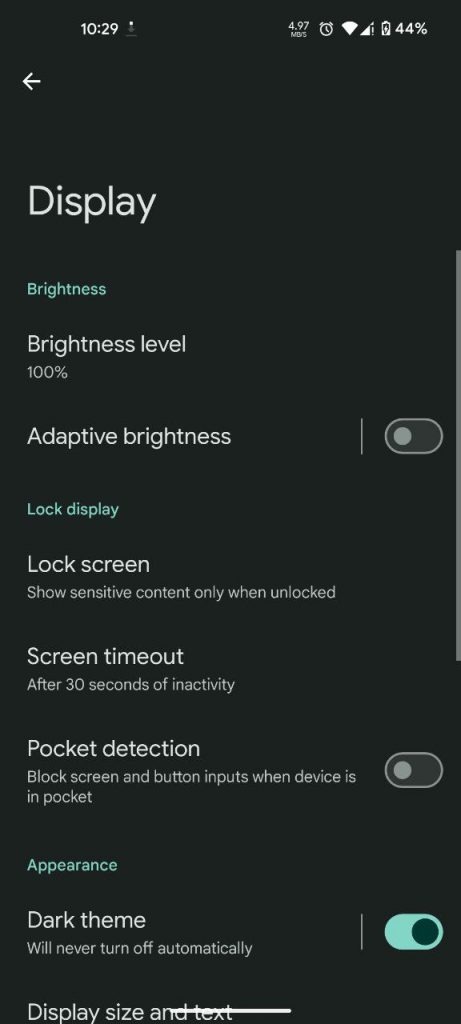
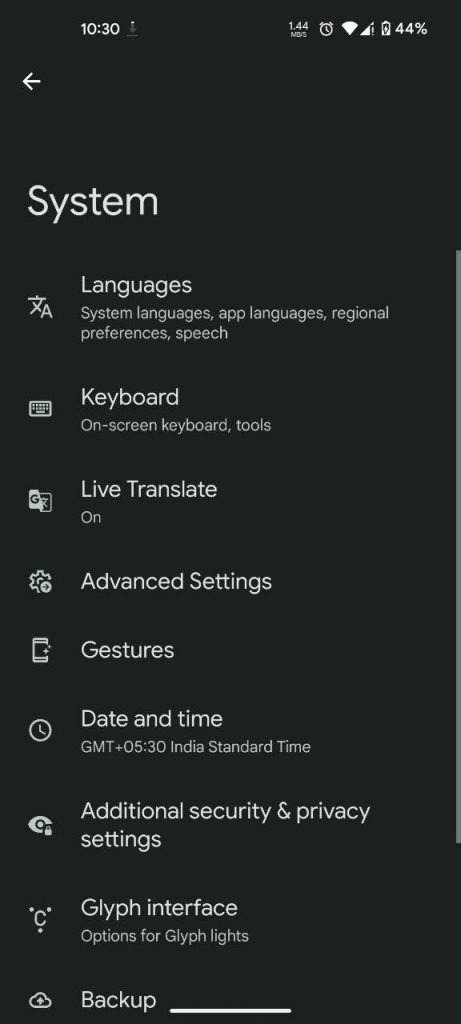
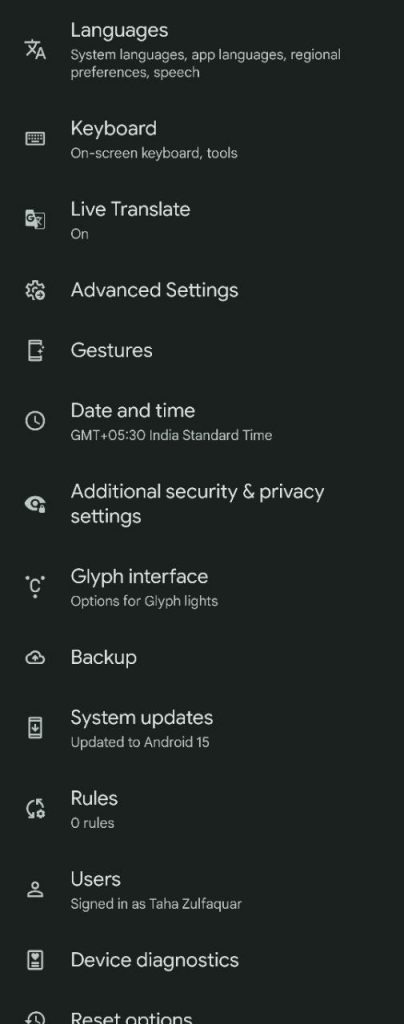
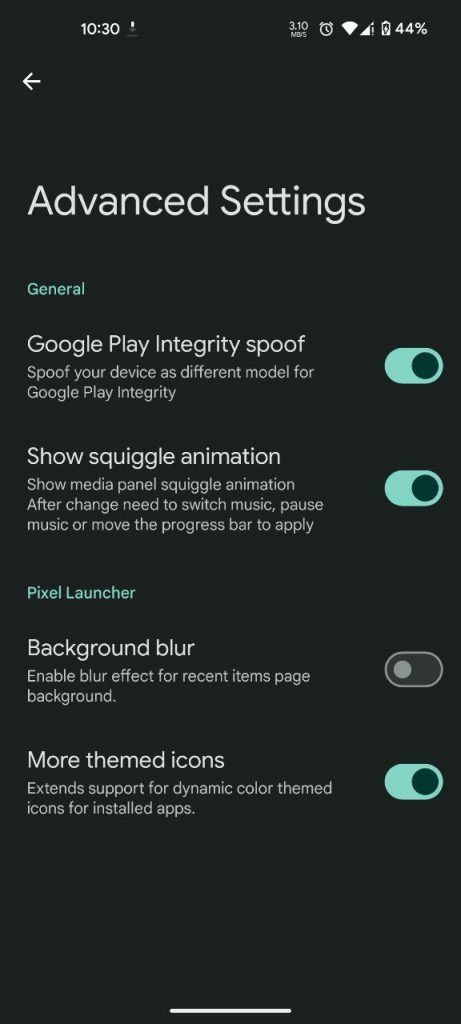
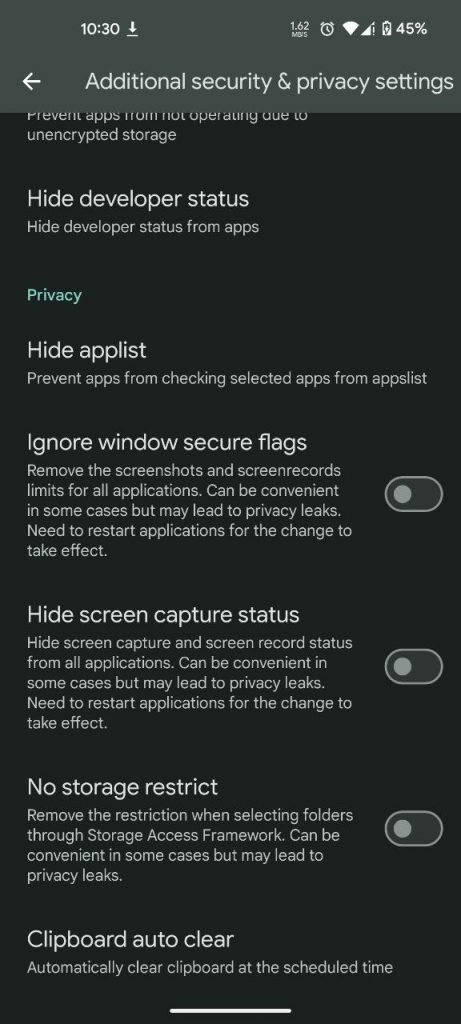
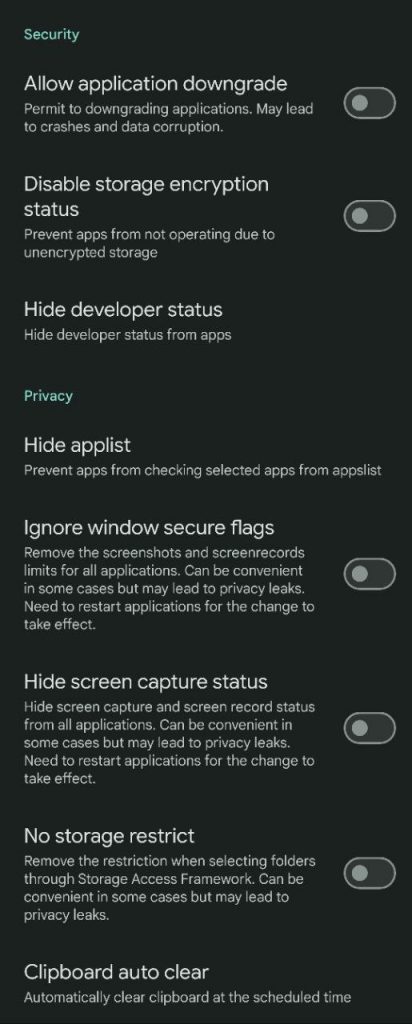
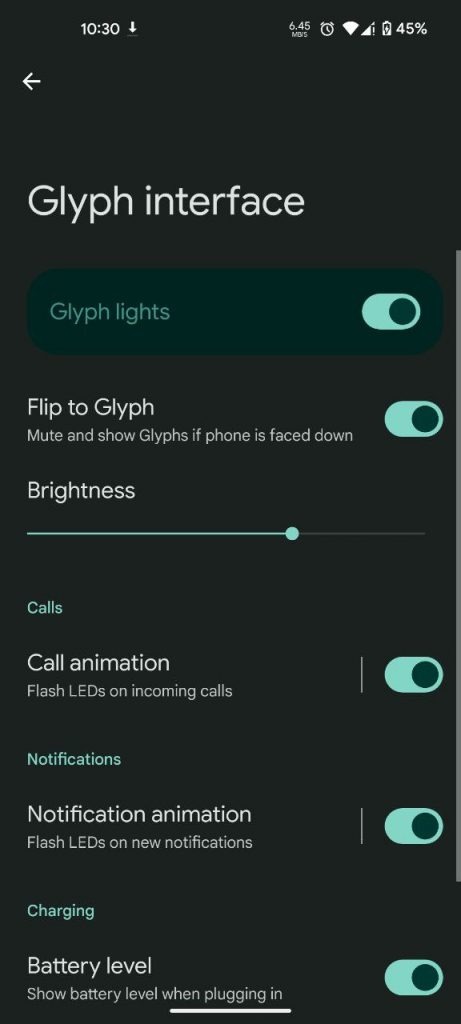
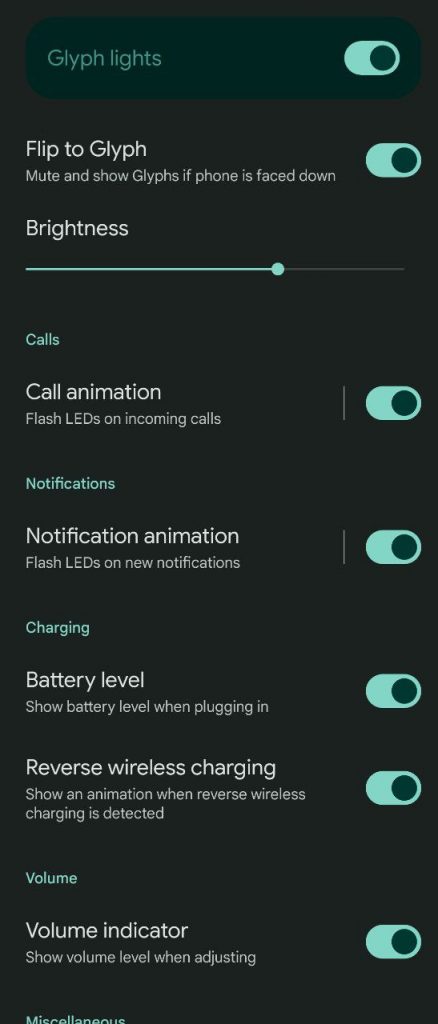
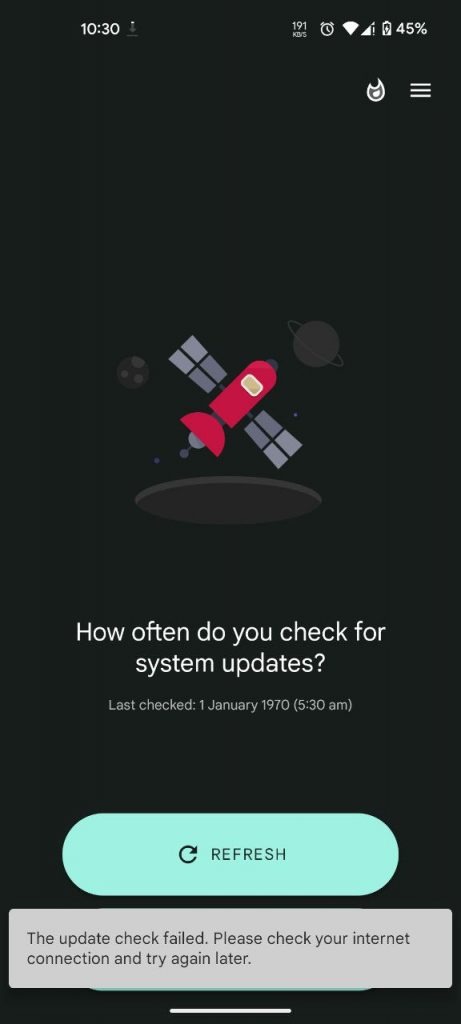
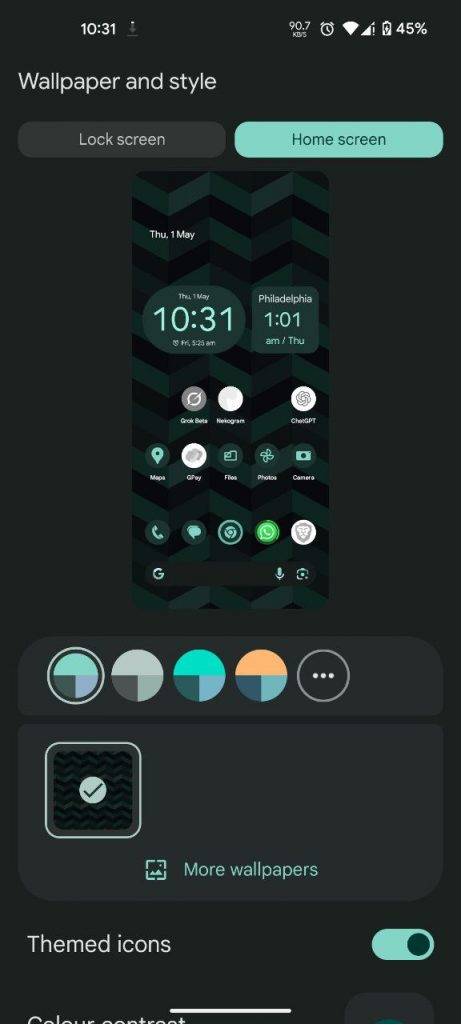
What’s New
- ✅ Initial build for Nothing Phone (1)
- 🔐 April 2025 Android security patch
- 🧬 Built-in KSU Next for advanced kernel control
- 🎮 BGMI / PUBG support for 120Hz gaming
Full Changelog
- GameSpace support added
- Updated fingerprint to April patch
- Link to Google Play now visible in settings
- Customizable volume stream steps
- Wi-Fi & Bluetooth timeout feature
- Blur toggle moved to Display options
- Optional carrier name hiding on lockscreen
- Quick Settings redesign with split notifications
- New ringer mode tile with 3-target options
- Redesigned screenshot sound
- Added preferred network tile
- Power menu blur enabled
- SystemUI and animations enhancements
⚠️ Known Issues
- Glyph interface currently not working in Nos Camera
Flashing & Setup
Follow these steps carefully to flash the ROM safely on your device:
- Extract
boot.imgandvendor_boot.imgfrom the downloaded ROM.zipfile. - Download and install the latest Android Platform Tools.
- Navigate to the platform-tools folder on your PC.
- Open a command window in this folder:
- On Windows: Press Shift + Right Click and choose “Open PowerShell window here” or “Open in Terminal”.
- Or simply type
cmdin the address bar and hit Enter.
- Connect your phone to your PC via USB.
- In the command window, type: bashCopyEdit
adb devices- This should show your device as connected. If not, ensure USB debugging is enabled in developer options.
- Reboot to bootloader: bashCopyEdit
adb reboot bootloader - Once in bootloader mode, verify connection: bashCopyEdit
fastboot devices - Wipe data (this will erase everything on the device): bashCopyEdit
fastboot -w - Flash the boot image: bashCopyEdit
fastboot flash boot boot.img - Flash the vendor boot image: bashCopyEdit
fastboot flash vendor_boot vendor_boot.img - Reboot into recovery mode: bashCopyEdit
fastboot reboot recovery - In recovery, select Apply update from ADB.
- Sideload the ROM: bashCopyEdit
adb sideload PixelOS.zip - After sideloading completes, perform a format data from recovery.
- Finally, reboot system now.
✅ Your device will boot into Pixel Project. Use the search bar (circle gesture) to begin setup.
Support & Credits
- 🧑🔧 Maintained by: @Theannoyingcat
- 🙏 Special thanks to:
- Mayur – for general support
- Aswin – for providing device trees and backend contributions
- All testers who helped shape this release
- 💬 Need help? Ask in the support chat or drop feedback in the Nothing Phone (1) community


Kernel tuning is excellent