



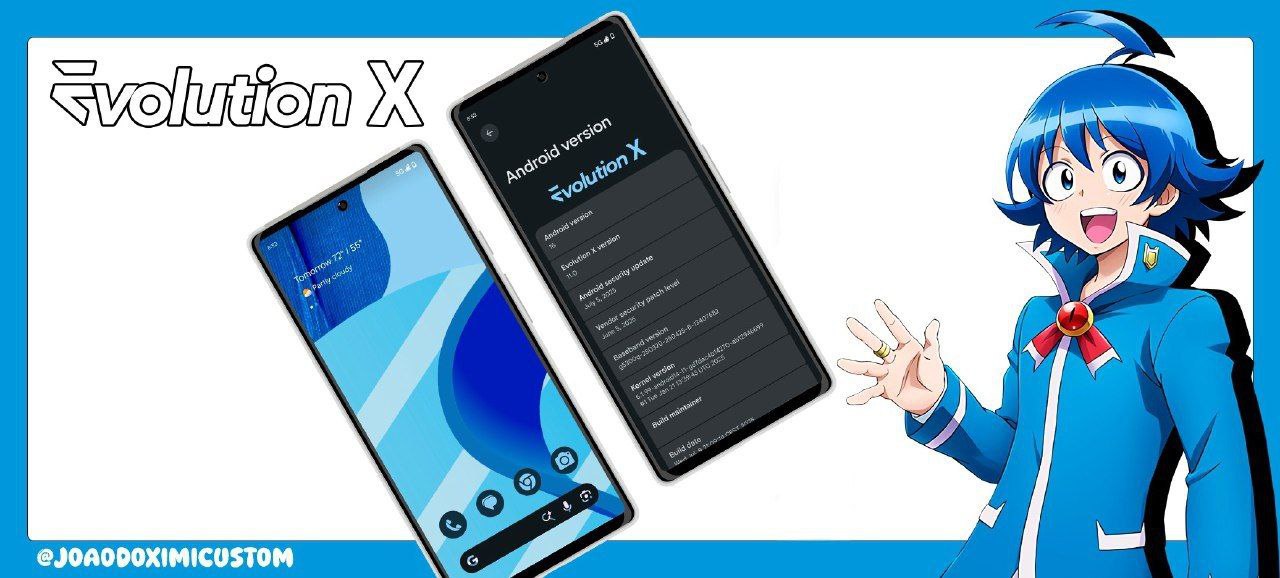
The Redmi Note 13 Pro 5G continues to be one of the most active devices in the custom ROM community, and the latest Evolution X v11.5 (Android 16) is now available as an unofficial QPR1 build. This release focuses on stability, improved Android 16 integration, and the clean Pixel-like experience Evolution X is known for.
In this article, we break down everything you need to know — changelog, features, download link, flashing instructions, and credits.
What is Evolution X?
Evolution X is a popular custom ROM known for offering a smooth, minimal, Pixel-inspired UI combined with an extensive set of customization options. It’s a favorite among power users who want stock Android without losing essential controls over UI, performance, and privacy.
With Android 16 now rolling out across custom ROMs, EvoX v11.5 brings better performance optimization and updated QPR1 features for the Redmi Note 13 Pro 5G.
What’s New in Evolution X v11.5 (Android 16 QPR1)?
This is an initial build, so the changelog is concise but significant for those waiting for a stable Android 16 base.
Changelog
- Initial QPR1 build based on Android 16
- Improved stability and device bring-up
- Updated device trees and hardware compatibility
- Better system smoothness and responsiveness
As this is the first release, more device-specific improvements will come in future builds.
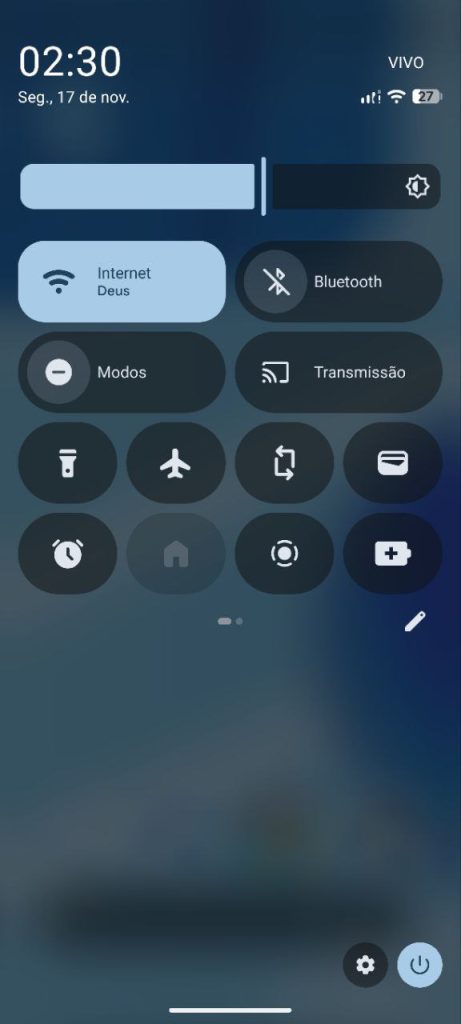
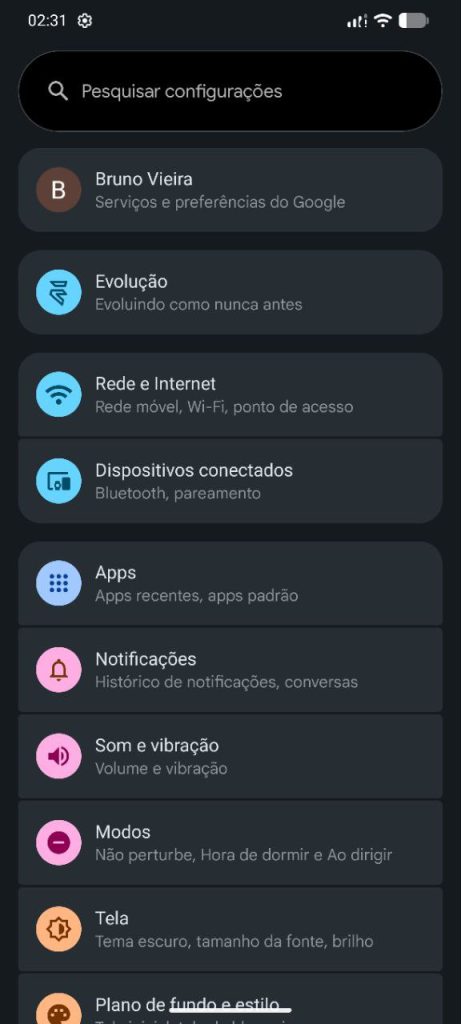
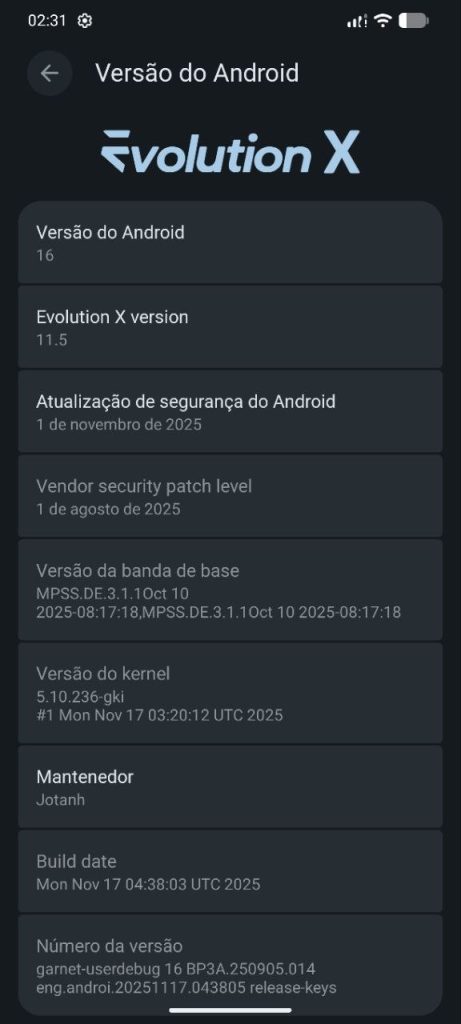
Screenshots:

How to Install Evolution X (Android 16) on Redmi Note 13 Pro 5G
Follow these flashing steps carefully to avoid bootloops or soft bricks.
Requirements
- Unlocked bootloader
- Latest recovery (OrangeFox / TWRP / PixelOS Recovery)
- A working PC & USB cable
- Backup of important data
Steps
- Reboot your device into recovery mode.
- Wipe Dalvik / ART Cache, System, Data, Cache.
- Flash the Evolution X ROM package.
- Flash GApps if the build does not include them.
- Reboot to system.
- Complete the setup screen and enjoy Android 16.
Tip: If coming from another Android 16 ROM, a clean flash is still recommended for stability.
Support & Credits
If you face issues or want guidance, join the official support channel below:
👉 Support Group: http://t.me/joaodoximichat
A huge thanks to the developers and maintainers behind this build
- Grewal – Base tree
- Unmoved21 – Hardware tree
- RobinLovee – Testing
- Build by: @jotanh
- Donate: https://t.me/joaodoximicustom/41
Download Link:
Their work keeps the custom ROM community alive and evolving.
Great job by the dev team 👏
UI transitions are very smooth.
Finally stable Android build for this phone.