



Custom ROM users who enjoy a Pixel-style UI, modern Android features, and strong system control have plenty of choices—but few ROMs balance polish and power as well as ASCP (Android Simple Clean Project). With the release of ASCP v4.3 Official, based on Android 16 and updated on 14 December 2025, the Poco F3 (Alioth) gets a ROM that feels refined, fast, and genuinely ready for daily use.
ASCP doesn’t try to reinvent Android. Instead, it focuses on delivering a clean Pixel-like foundation, layered with thoughtful features that actually improve usability. This release continues that philosophy, adding smoother animations, improved integrity handling, modern UI refinements, and a long list of practical enhancements—without sacrificing stability.
In this article, we’ll take a proper look at ASCP v4.3: what it offers, what’s new, how it performs in real use, and who this ROM is best suited for.
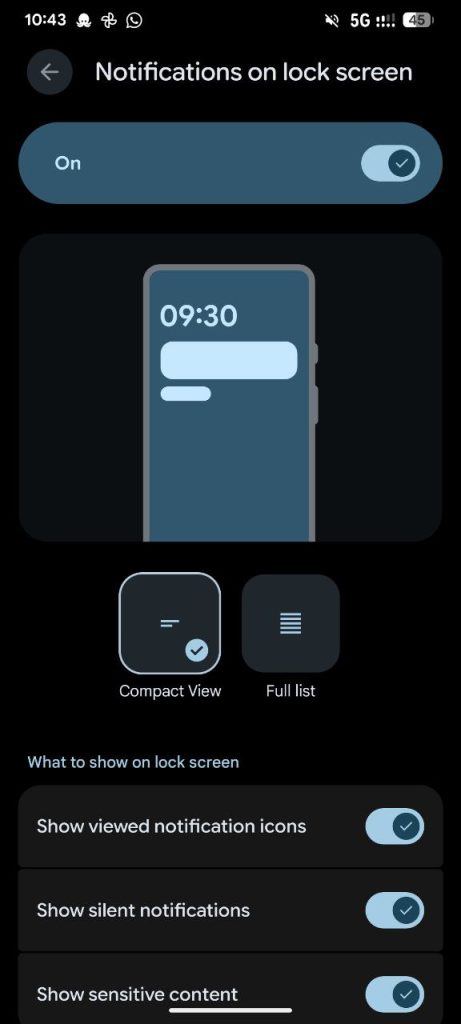
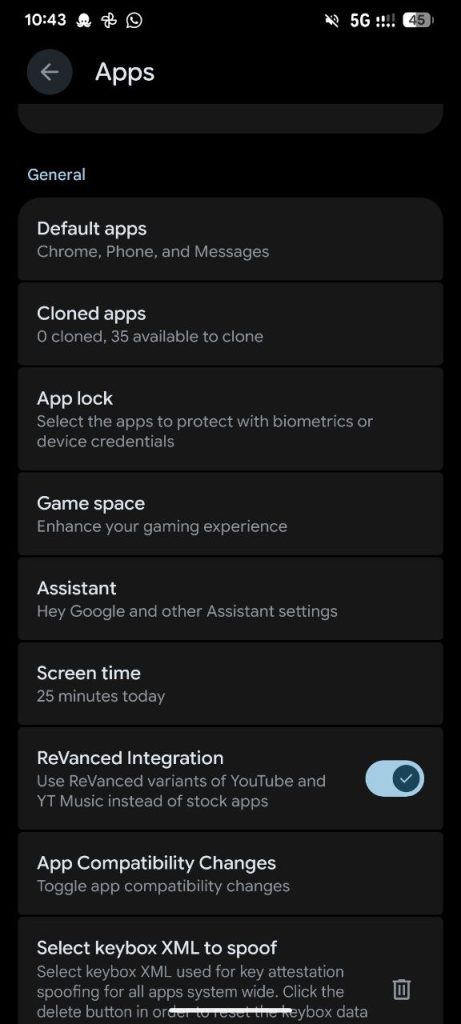
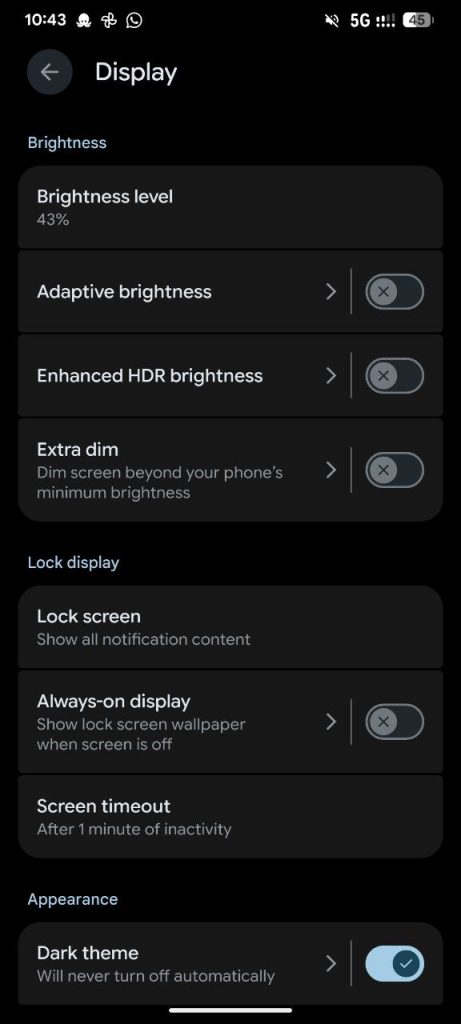
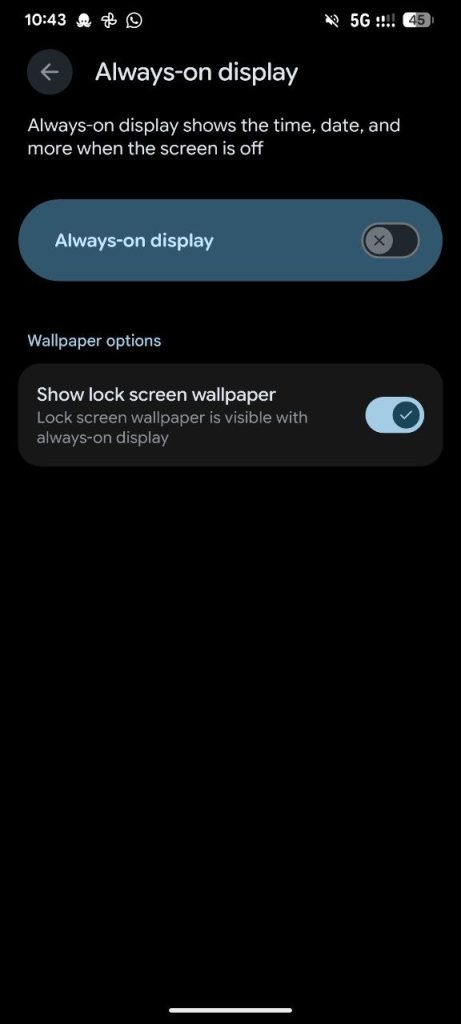
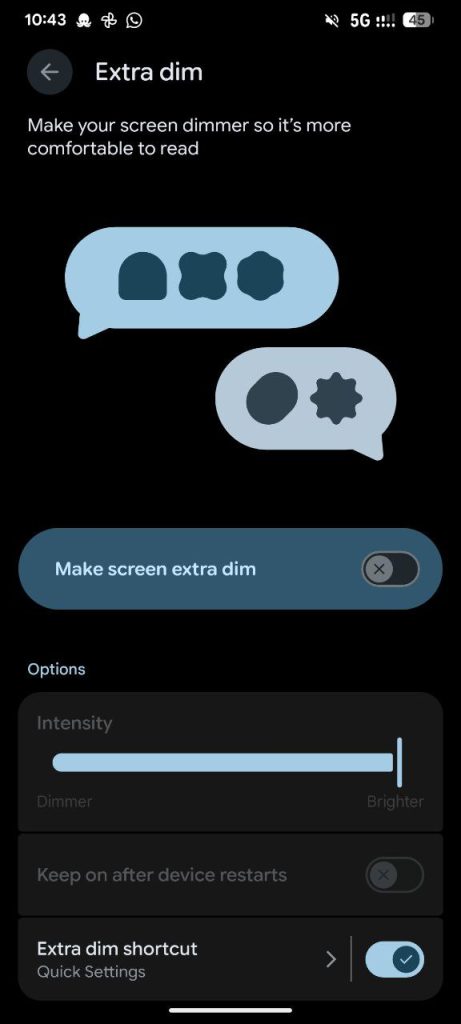
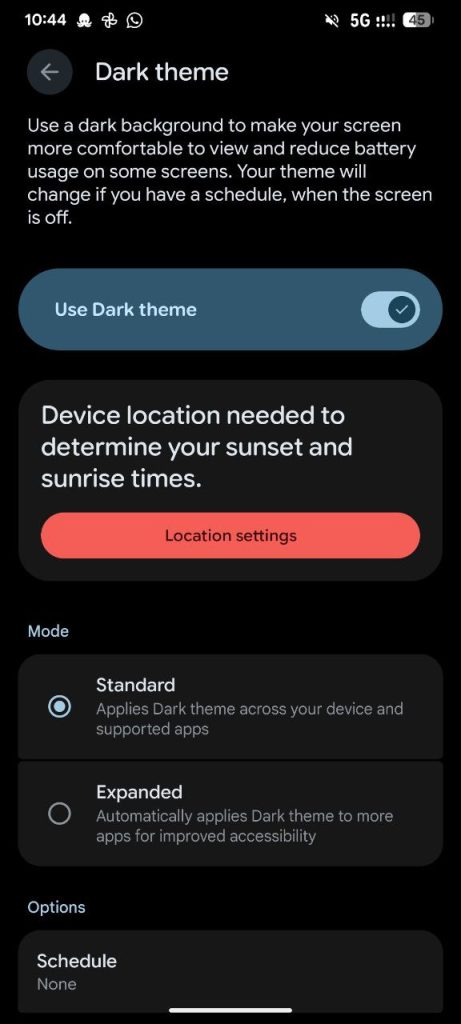
Screenshots:
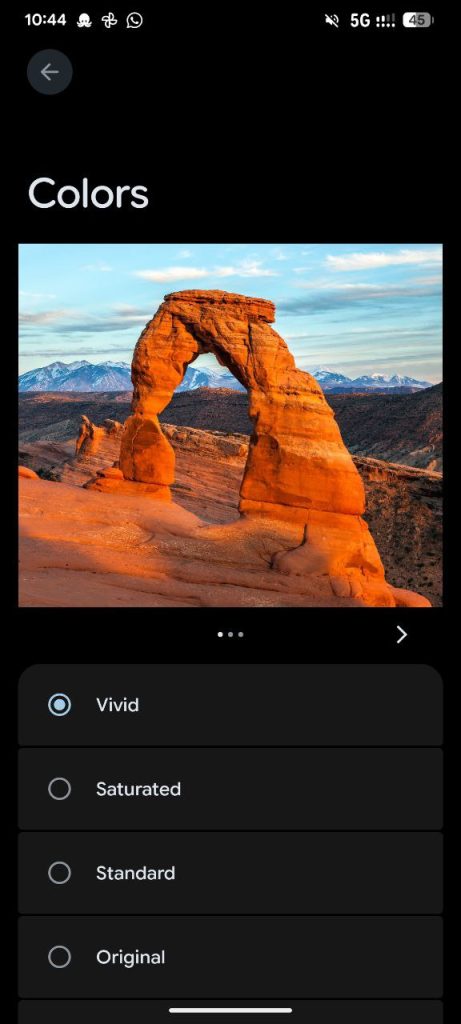
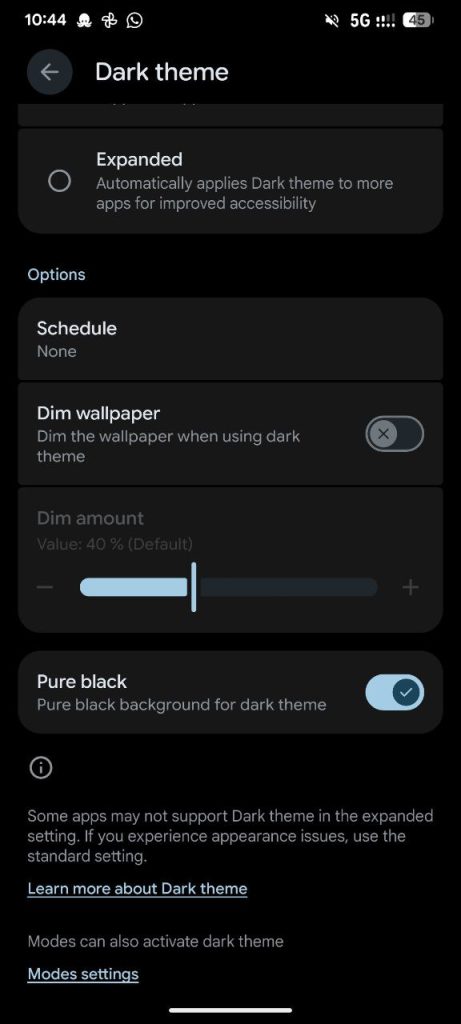
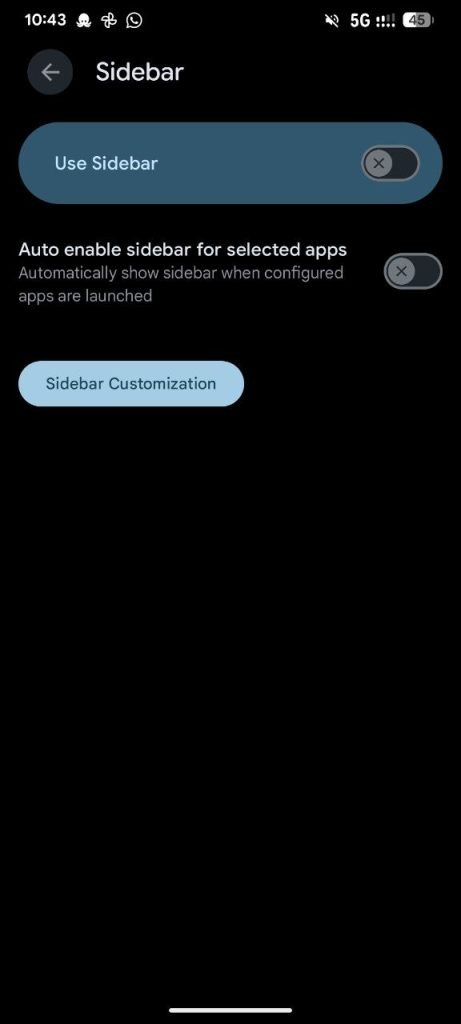
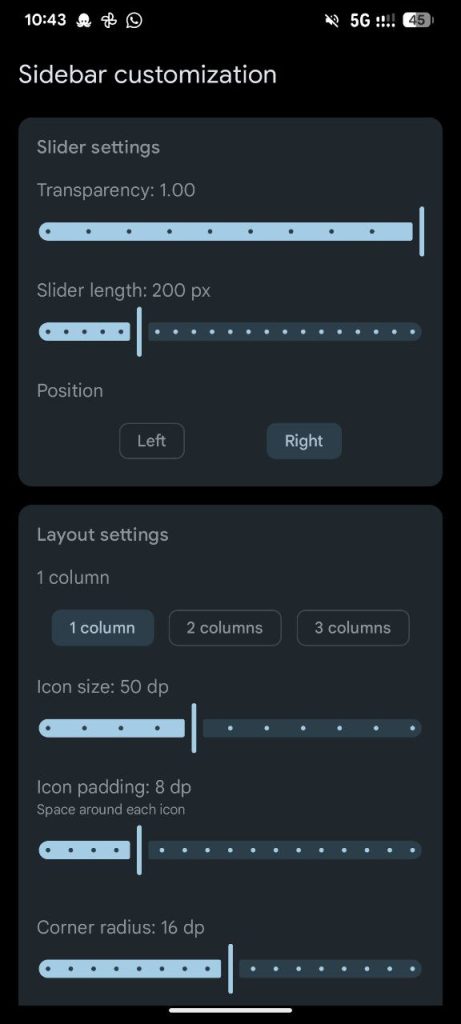
What Is ASCP?
ASCP (Android Simple Clean Project) is a custom ROM that stays close to AOSP and Pixel design principles, while quietly adding features that power users expect. The goal is simple:
- Keep the system clean
- Make animations smooth
- Add features only where they make sense
- Avoid unnecessary clutter
ASCP v4.3 continues this approach on Android 16, offering a ROM that feels modern, responsive, and surprisingly polished for everyday usage.
ROM Overview
- ROM Name: ASCP v4.3
- Status: OFFICIAL
- Android Version: Android 16
- Device: Poco F3 (Alioth)
- Build Type: GApps
- Kernel: E404 Kernel
- OTA Support: Yes
- Updated: 14/12/2025
What’s New in ASCP v4.3?
This update is not just a version bump—it’s a refinement release with visible improvements across the system.
System & Security
- ASCP v4.3 official update
- Integrated December security patch
- Full OTA update support, making future updates much easier
The ROM now feels more complete and convenient for long-term usage.
Smoother Animations & UI Polish
Animations are one of the first things users notice—and ASCP v4.3 clearly improves here:
- Refined Quick Settings expansion animation
- Fixed janky behavior when handling multiple notifications
- Overall smoother UI transitions throughout the system
The result is a ROM that feels fluid without being flashy.
Performance & Stability Improvements
Under the hood, ASCP v4.3 focuses on stability:
- Fixed integrity spoofing issues
- Reduced random UI jitters
- Improved radio and IMEI information handling
- Better thermal behavior with minor fixes related to ThermalParts
Combined with the E404 kernel, the ROM feels balanced—fast when needed, calm when idle.
Feature Highlights That Actually Matter
ASCP doesn’t overload users with gimmicks. Instead, it adds features that genuinely improve daily use.
Display & Visual Controls
- New refresh rate implementation
- Blur controls moved to display settings
- Force full-screen for cutout devices
- Smallest width (DPI) selection
- Dim wallpaper option inside dark mode
- Advanced color balance options
- Pure dark mode
These options give users control over both aesthetics and comfort.
Quick Settings & Convenience
- Added volume QS tile
- Added data switch QS tile
- Flashlight strength control via QS
- Long-press XiaomiParts QS tiles to open dedicated settings pages
- Bypass charging QS tile
Everything feels faster and more accessible without digging into menus.
Battery & Power Features
- Idle manager toggle in battery section
- Bypass charging support
- Improved background behavior
- Better consistency during long screen-on sessions
Battery life remains predictable and stable, even with heavy usage.
Privacy, Security & System Control
ASCP v4.3 includes several advanced controls:
- Face Unlock biometrics
- Ignore window secure flag
- Hide screen capture status
- Hide developer options status
- Clipboard auto-clear
- Override mock location restrictions
- Keybox import option (moved to app settings)
- GPhotos spoof enabled by default
These features give power users flexibility while keeping things organized.
Multitasking & Extra Features
- LMO Freeform & sidebar support
- App clone feature
- App lock (with option to hide from launcher)
- Hide app list feature
- Smart pause
- Status bar network traffic indicator
- Separate ringtones for dual SIM
- Option to disable fingerprint lockout
Each feature feels intentional rather than experimental.
Device-Specific Changelog Highlights
Recent updates include:
- New Dolby app with updated UI
- Fixed auto-brightness turning on after reboot
- Re-added ReVanced YouTube & YouTube Music (latest Morphe version)
- Leica camera integration
- Switch to E404 kernel
- Minor thermal fixes
These changes directly improve daily usability on Alioth.
Installation Guide (Read Carefully)
Clean Flash (Recommended)
- Reboot to recovery
- Flash recommended firmware
- Flash ASCP ROM
- Reboot back to recovery
- Format data
- Reboot to system
Dirty Flash (Updating)
- Sideload ROM ZIP
- Reboot to system
OTA Update
- Simply update via System Updater
- Reboot when prompted
Recommended Recovery
Latest OrangeFox Recovery is strongly recommended for best results.
Important Notes
- Only BPF kernels are supported
- GApps build included
- Dirty flash supported over previous versions
- Recommended firmware must be used
- Import keybox to pass integrity
- Always report bugs with proper logs
Real-World Experience
ASCP v4.3 feels:
- Smooth and responsive
- Clean and uncluttered
- Stable enough for daily driving
- Well-balanced between features and performance
It’s the kind of ROM that doesn’t demand attention—but quietly does everything right.
Final Verdict: Is ASCP v4.3 Worth Flashing?
If you want:
- Android 16
- Pixel-style UI
- Deep customization without instability
- OTA updates
- A ROM that feels polished and practical
Then ASCP v4.3 Official is an excellent choice for the Poco F3.
It respects the user’s time, avoids unnecessary drama, and delivers a clean Android experience with just the right amount of power under the hood.


Anyone tried custom themes on this?