


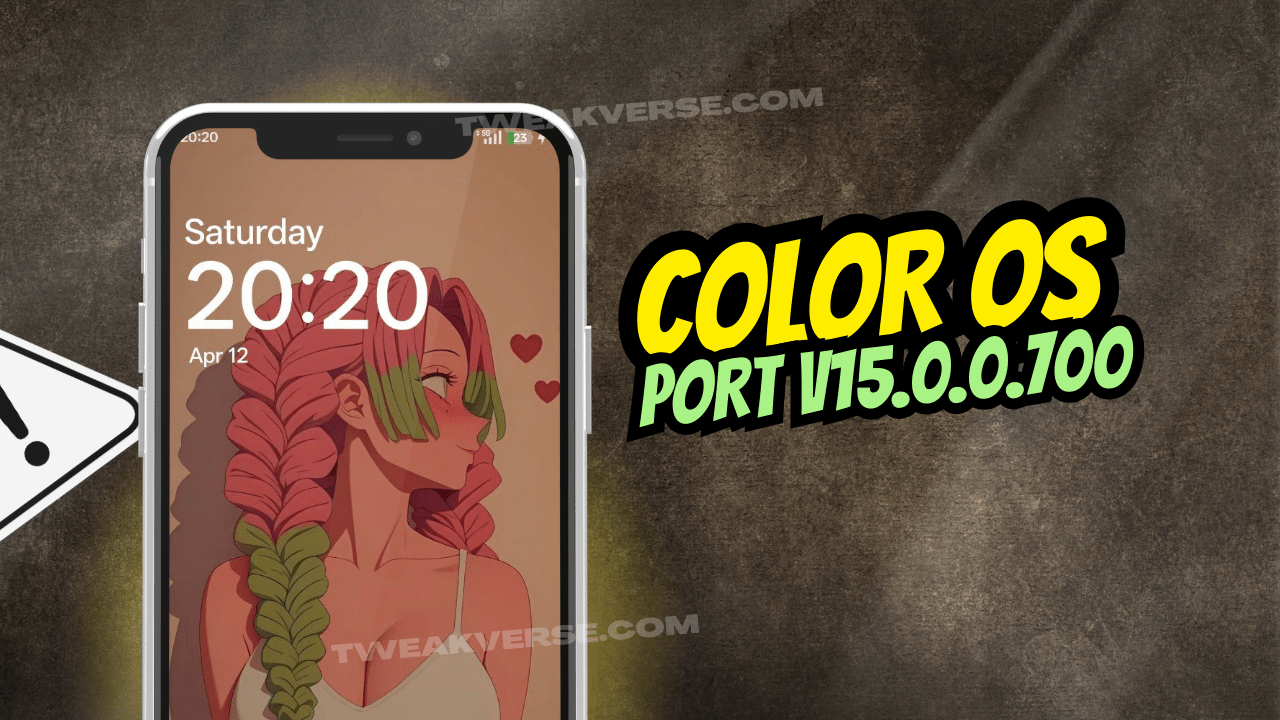
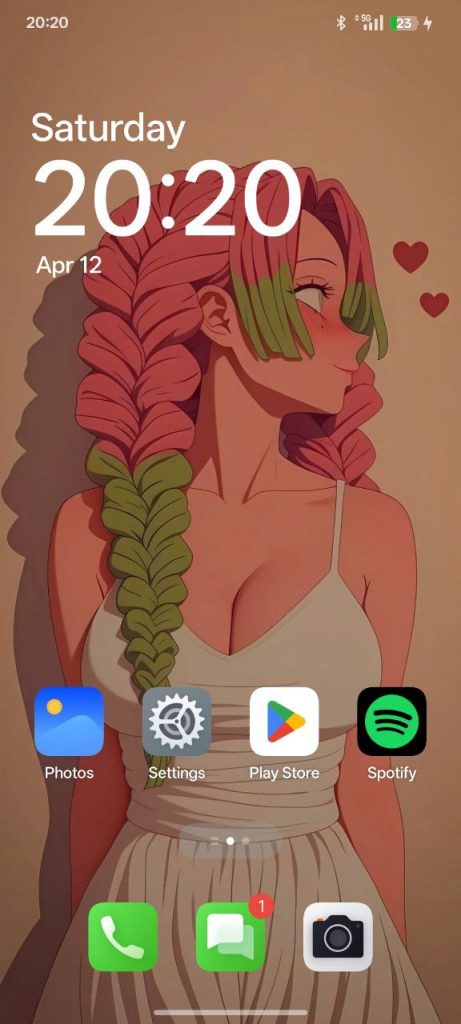
The latest ColorOS port based on Android 15 has arrived for the OPlus 11R, also known as the OnePlus Ace 2. This build, version 15.0.0.700, is a heavily customized ROM bringing the latest features from ColorOS China straight to your device. Ported by @nischay_12089, the ROM includes various fixes, tweaks, and performance enhancements to deliver a refined experience.
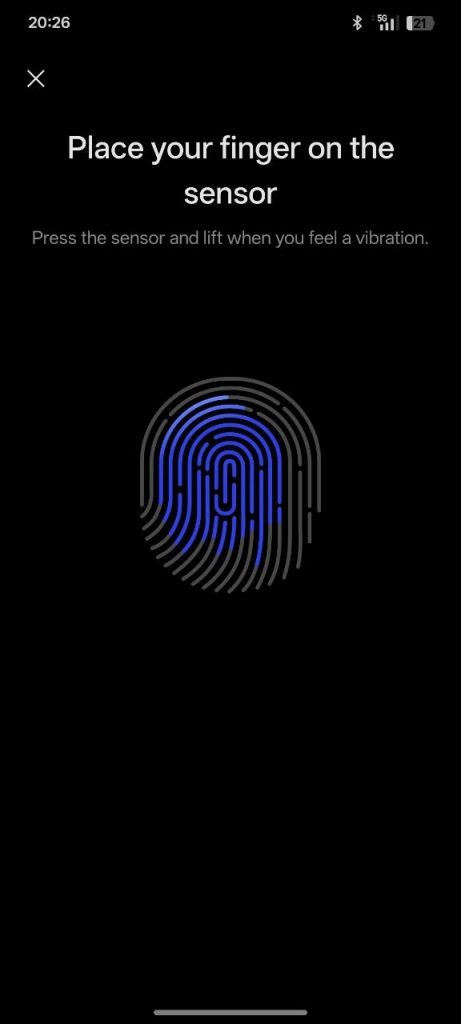
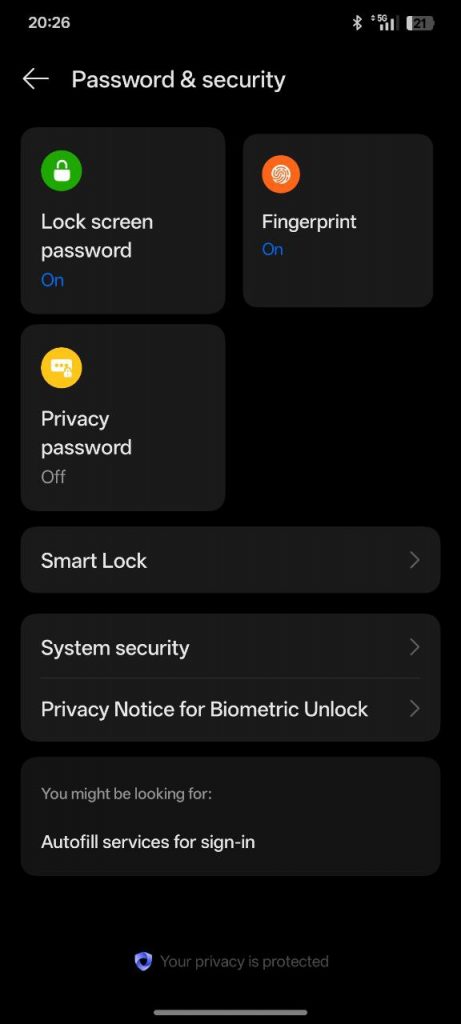
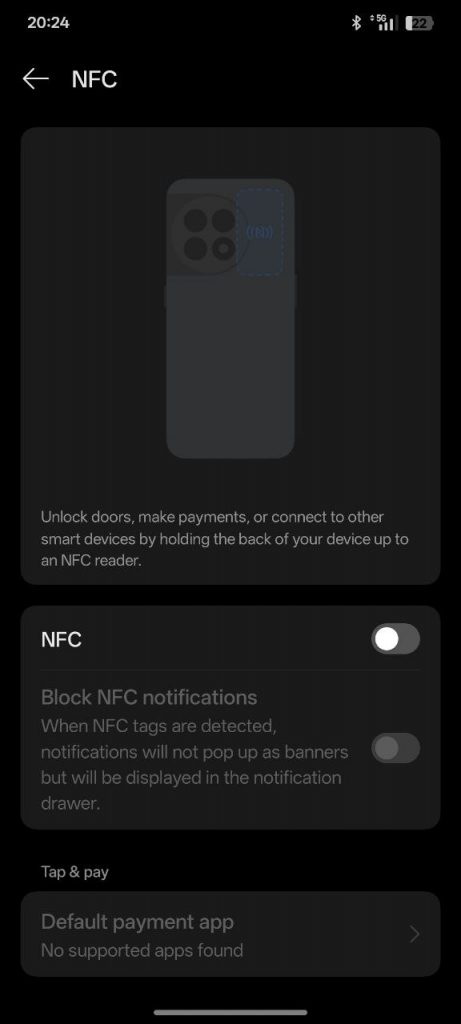
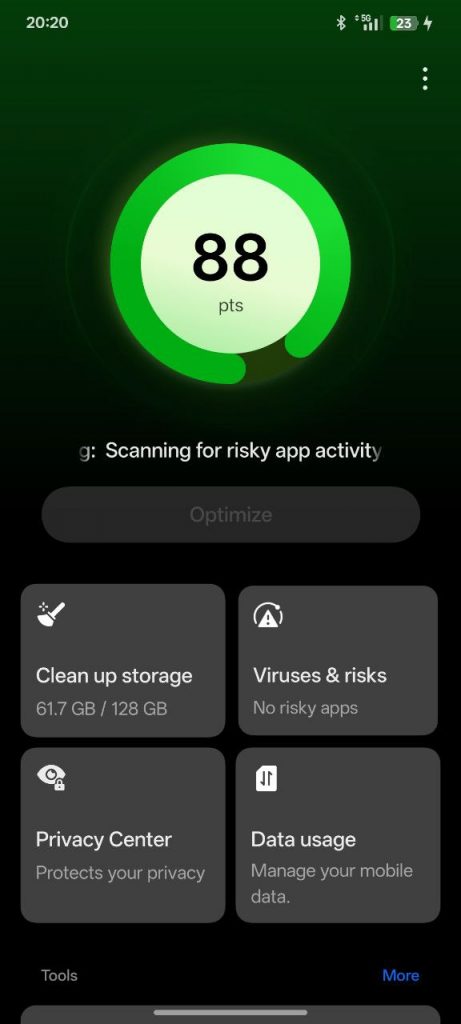
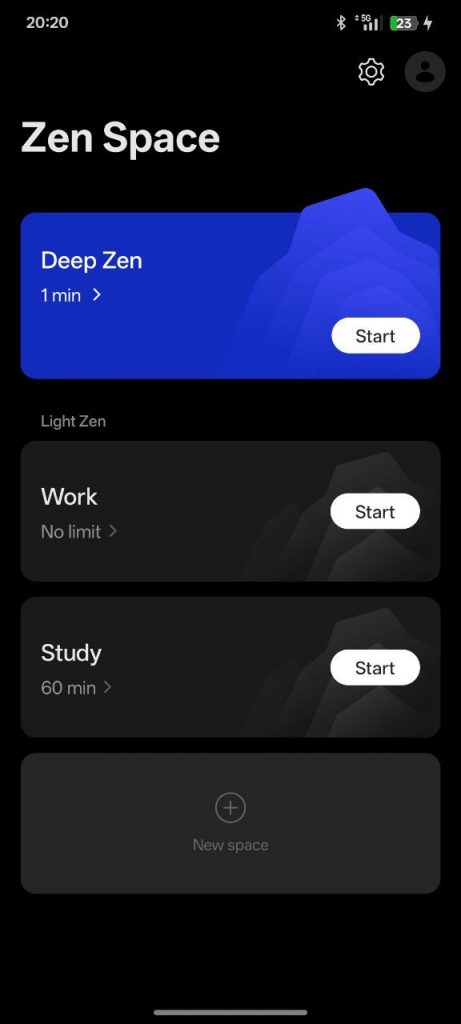
Screenshots:
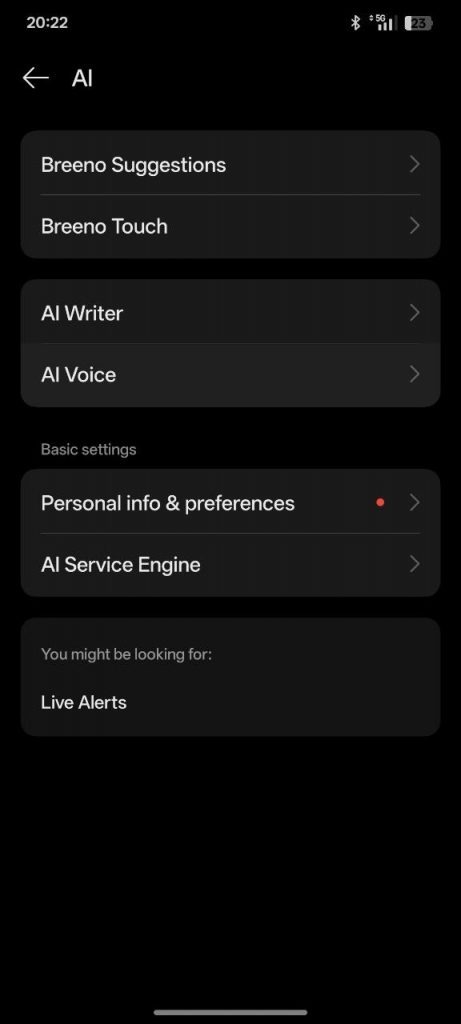
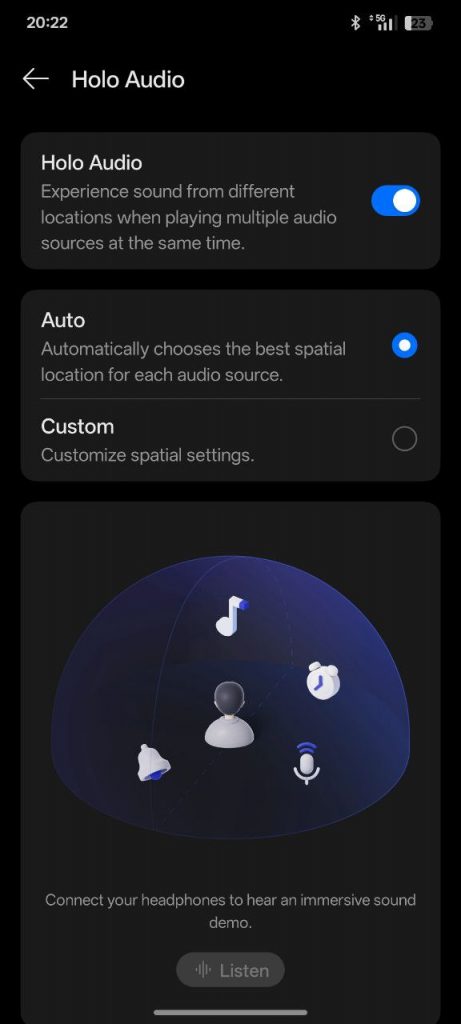
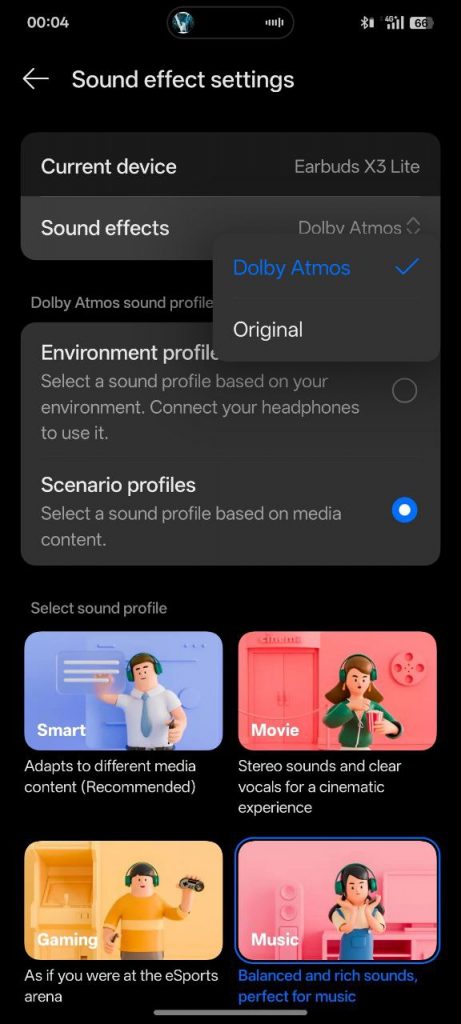
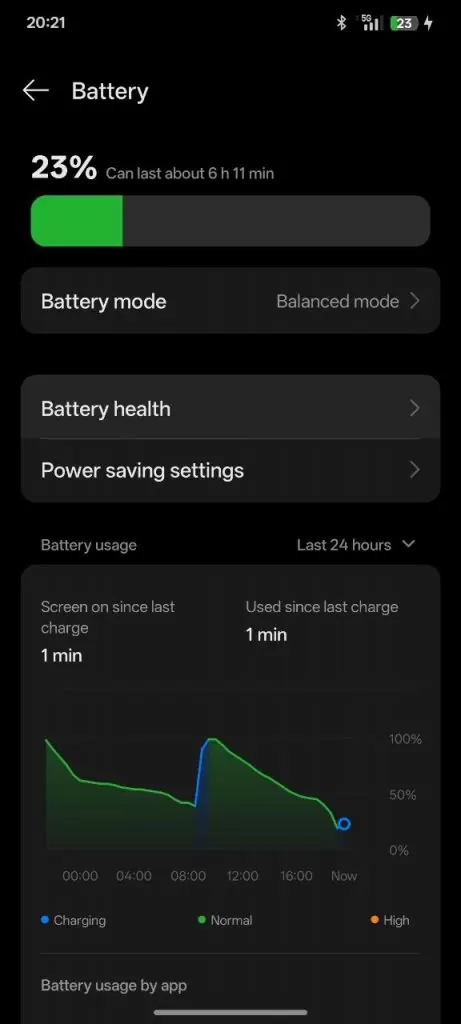
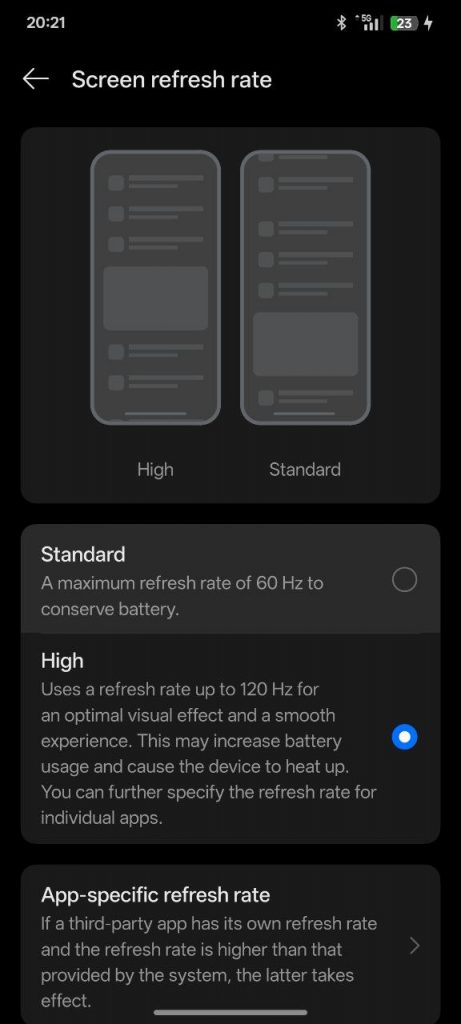
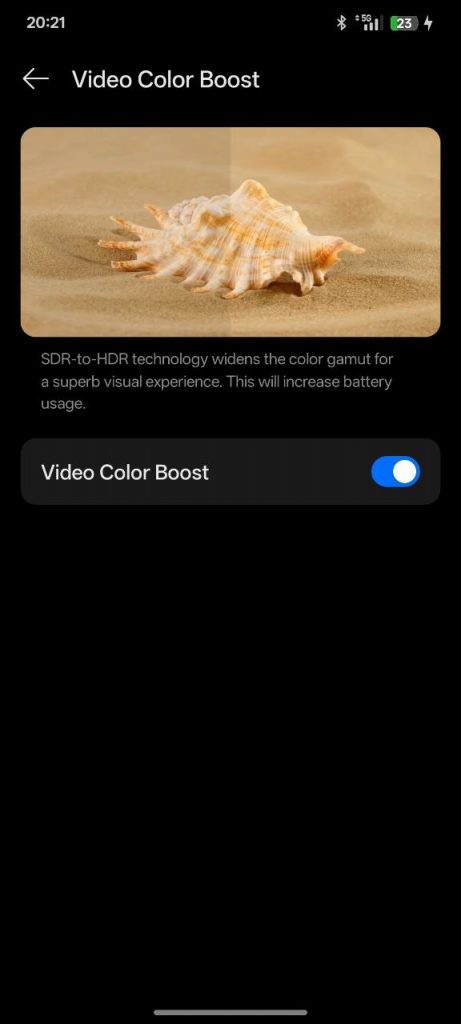
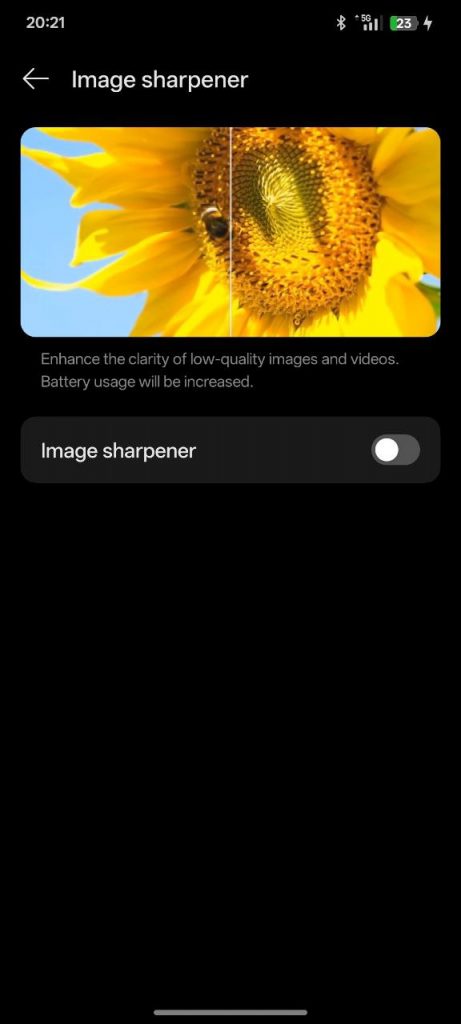
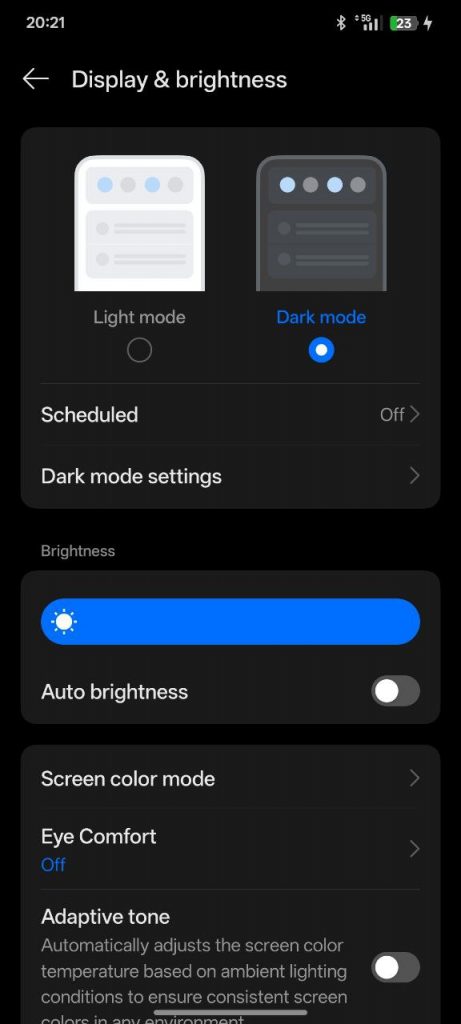
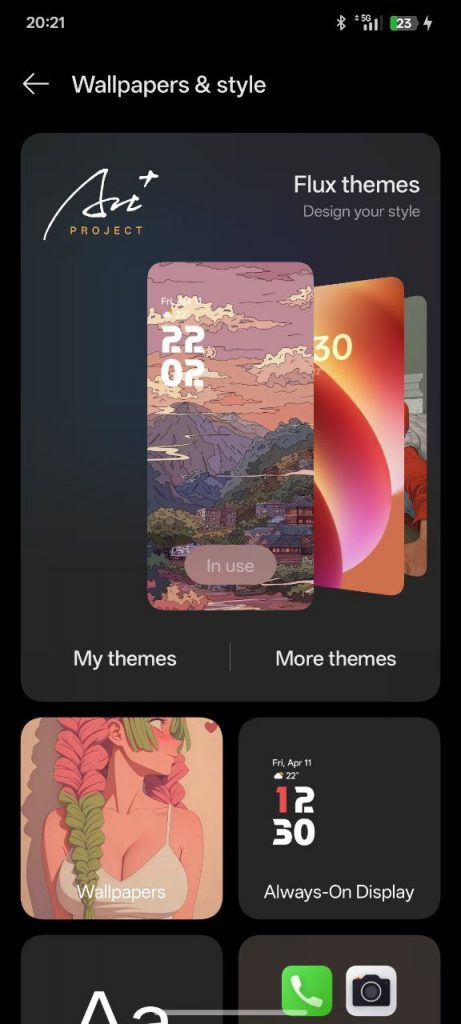
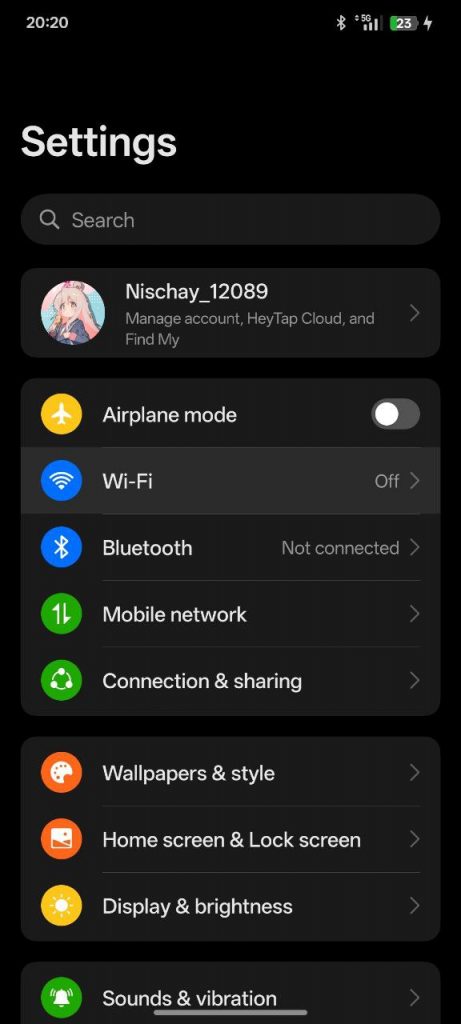
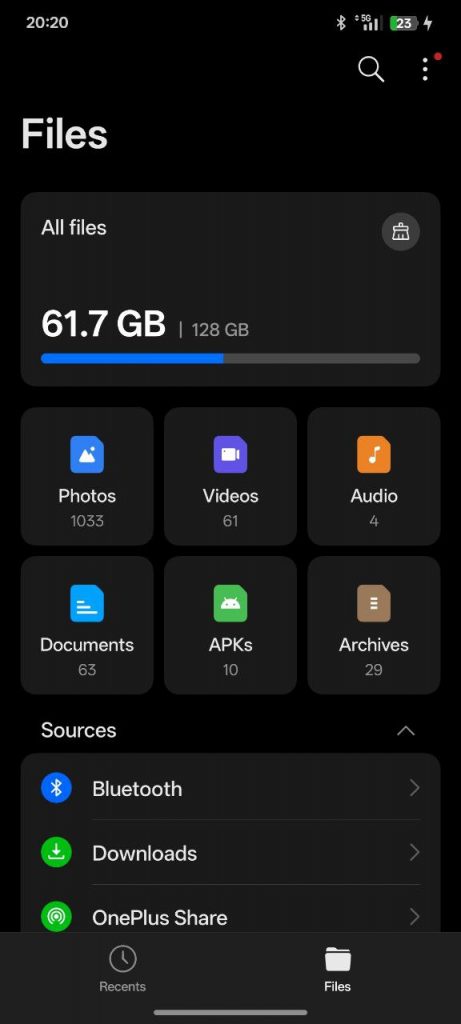
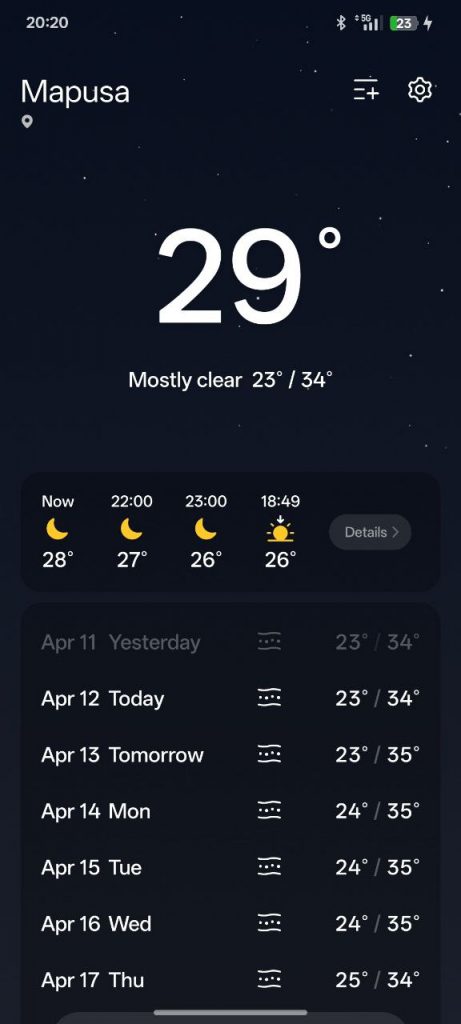
Notes :
- This is color os aka oos is same as hyper os in bb so please give some time to become more stable atleast 5-6 days or 1 week
- Use Kernel profiles for better results
- Set your ringtone manually (click on vibration in ringtone then change your vibration pattern then change your ringtone)
- Don’t even use Dt2W and Dt2S from settings it will make deepsleep worse
- Based on 11R
- Clean Flash needed
- Flash recommended FW
- China based Rom
- Added custom bootlogo to fw
Features & Fixes
- Decrypted Build with permissive kernel (Oxygen+ based)
- TWRP included for easier flashing
- Custom Bootlogo integrated
- Fixed: Fingerprint, padding, vibration, NFC
- Improved Dolby audio using OP8T Dolby HALs
- Kernel Profiles for performance tuning (thanks @dandaaaa)
- Spoofing Enabled:
- Netflix (Dolby Vision unlocked)
- Snapchat
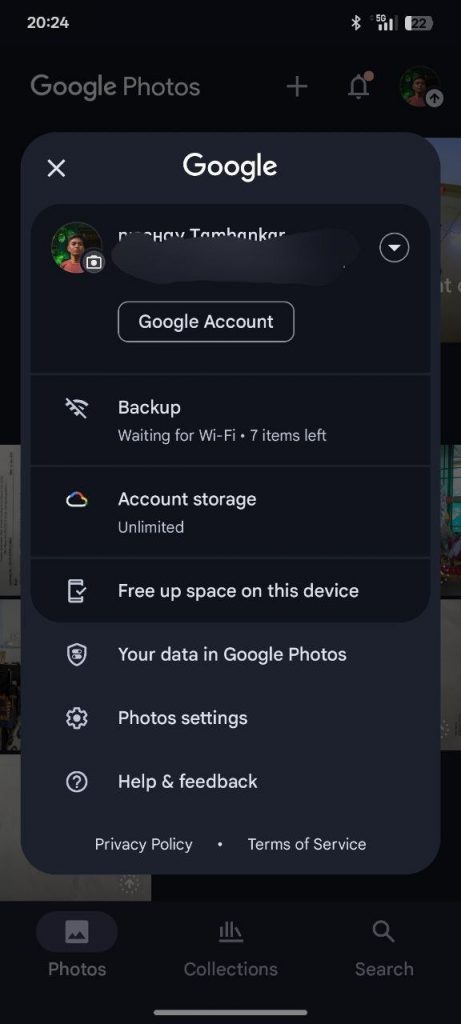
- Google Photos
- Game Enhancements:
- Higher FPS unlocked
- Custom thermal configs
- Dynamic charging support
- Additional Additions:
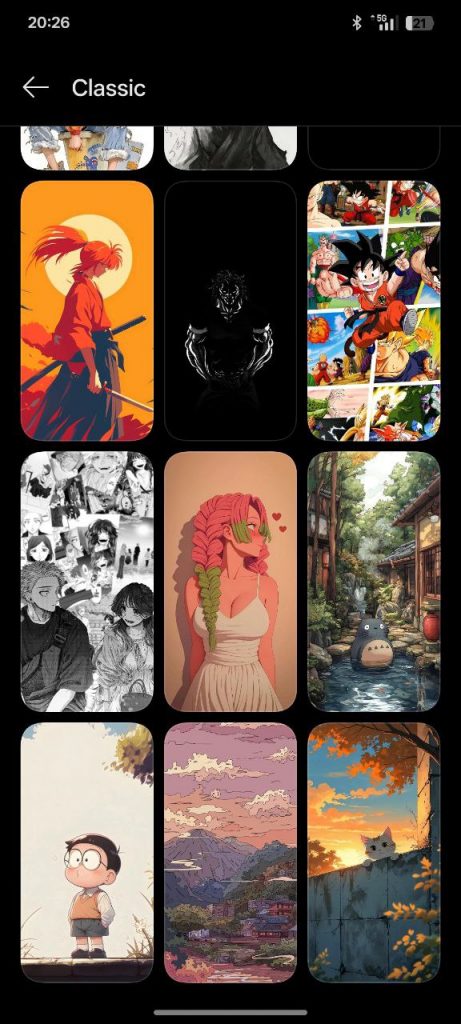
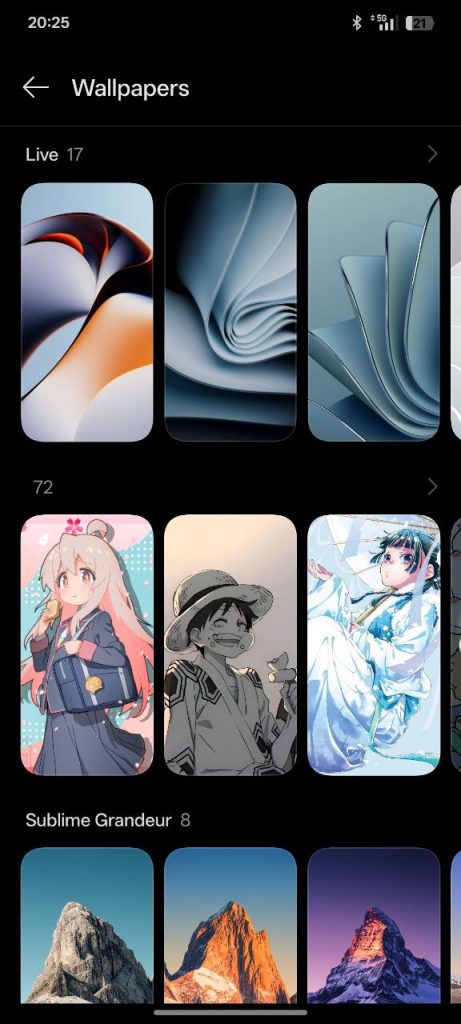
- Custom wallpapers
- Working Bluetooth & Wired earphones
- GCam pre-included (thanks @redmazic)
- Play Integrity passes basic and device_integrity
📊 Changelog
- Based on ColorOS China for OPlus 11R (Ace 2)
- Fully decrypted and permissive kernel
- Netflix, Snapchat, and Google Photos spoofing
- Dolby HALs from OP8T for improved audio
- DT2W and DT2S managed via
.txttoggle - Custom bootlogo, wallpapers, and UI optimizations
- Game optimizations with dynamic charging and thermal tuning
- GCam added by @redmazic
- Fixed vibration, padding, NFC, fingerprint
- Added kernel profiles by @dandaaaa
- Updated TWRP and firmware integration
New DT2W Toggle Method
A new way to manage Double Tap to Wake (DT2W) is now available:
- File:
sdcard/OPFeatures/Double-tap-to-wake.txt - Set to
OnorOffusing a text editor like MT Manager
⚠️ Do NOT use DT2W or DT2S from settings—this will break deep sleep functionality.
Flashing Instruction:
🚩 Clean Flash (if encrypted):
- Boot to Recovery
- Flash firmware 1.0.2 or recommended version
- Flash ROM
- Flash recovery (if ROM doesn’t include built-in custom recovery)
- Reboot to recovery
- Format data
- Switch to Slot A
- Reboot system
🔸 If you’re decrypted, no need to format—just wipe dalvik/cache. If coming from a different base, format is still recommended for best results.
🛠️ Kernel Flashing:
- Backup
boot.img,dtbo.img, andvendor_boot.img - Flash custom kernel
- Wipe dalvik/cache
- Reboot system
⚠️ Known Bugs
- Face Unlock
- App Lock
- Privacy-related features
Support & Credits
Need help or want to contribute? Join the Official Telegram Support Group here!
Developers & Contributors:
- @redmazic – Vendor fixes, DT2W implementation, GCam integration, and more
- @Mundo_03 – NFC testing and validation
- @dandaaaa – Kernel profiles for optimized performance
- @teamcrafters – Core bug fixes and stability patches
Special thanks to all the developers and community members who contributed guidance, fixes, and testing—without your support, this project wouldn’t be possible.

ROM boots without any errors.