


Status: Unofficial
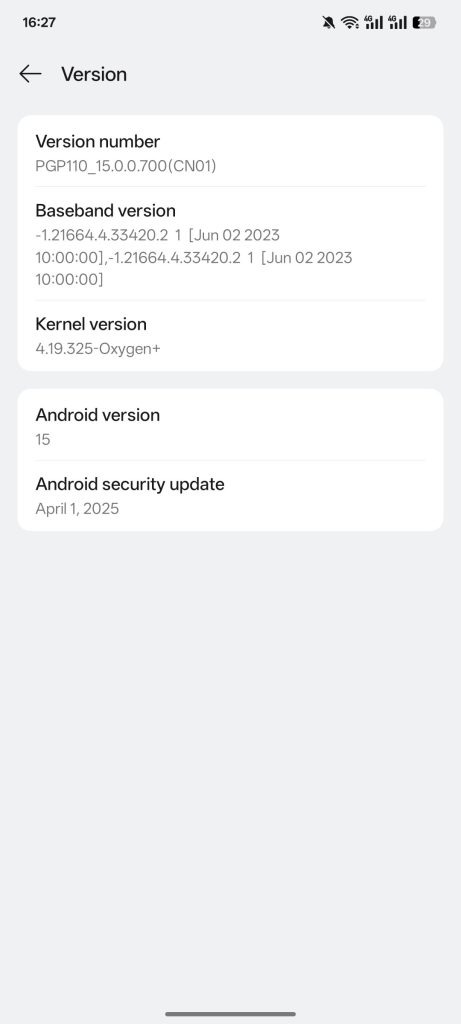
Build Version: 15.0.0.700 (Android 15)
Updated: June 17, 2025
Ported by: @KAPKAET
What’s New in This Port?
This Android 15 ColorOS Port from the OnePlus Ace Pro (OxygenOS) offers a smooth and stable experience for Poco F3, Mi 11X, and Redmi K40. It’s a decrypted, permissive build with OTA and blur disabled, April security patch, pre-included TWRP, and GCam by @Redmazic. Key fixes include camera size, brightness, and vibration. Extras like kernel profiles, custom thermals, dynamic charging, and tweakable Dt2W/device name make it highly customizable.
Ported from OnePlus Ace Pro (ColorOS/OxygenOS)
- ✅ Decrypted & permissive build
- ✅ Disabled OTA updates & blur effects
- ✅ GCam by @Redmazic pre-included with config
- ✅ April Security Patch
- ✅ TWRP bundled with the ROM
- ✅ Fixed:
- Front camera size
- Vibration strength
- Brightness issues
- Debloated system
- ✅ Kernel Profiles added (thanks @dandaaaa)
- ✅ Custom thermal configuration & dynamic charging
- ✅ Wired earphones & Bluetooth support
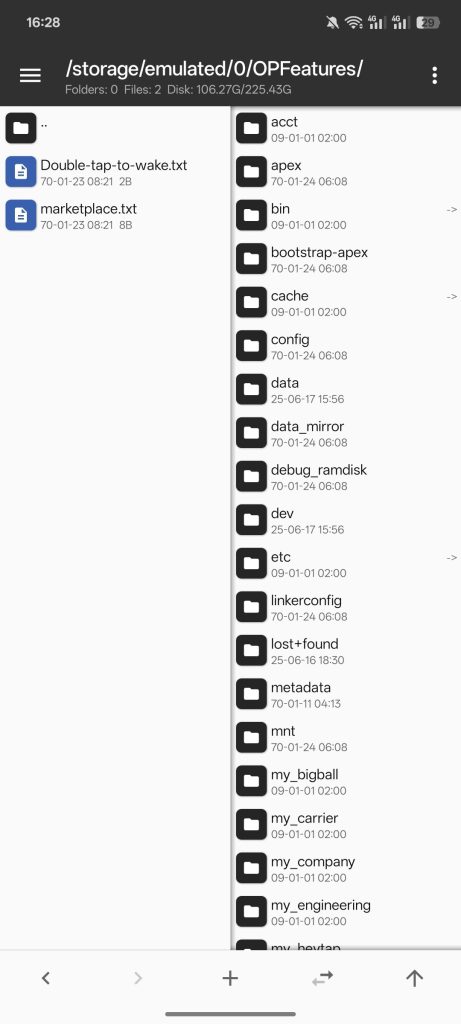
- ✅ Customizable device name and Dt2W via
.txtfiles
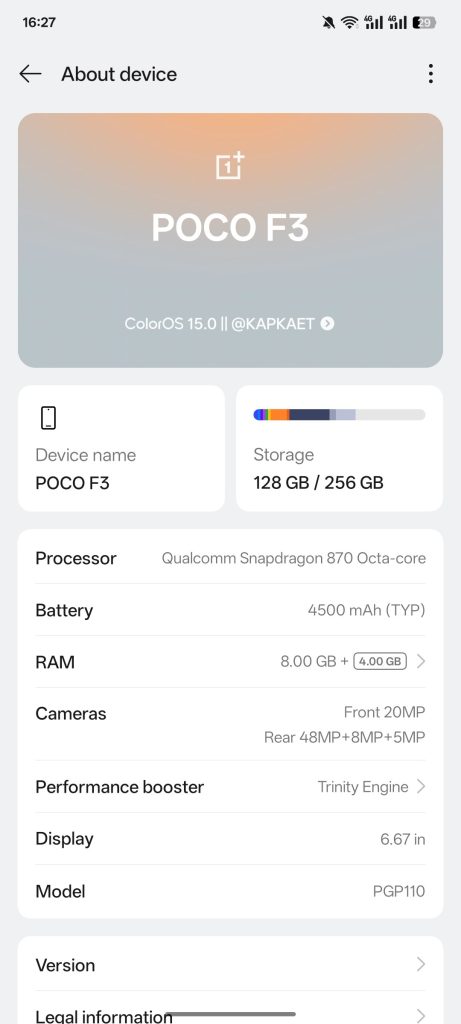
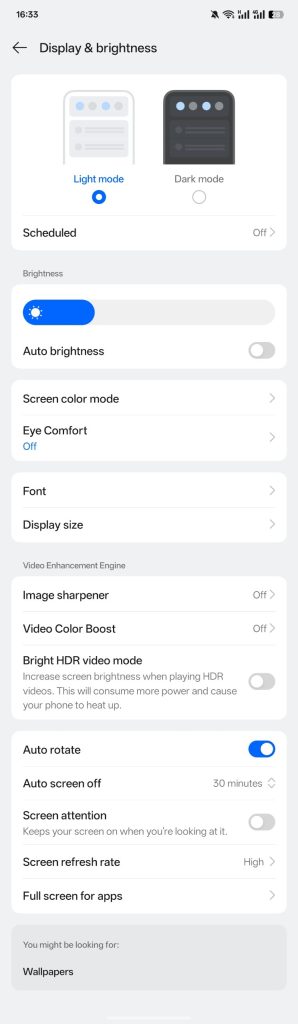
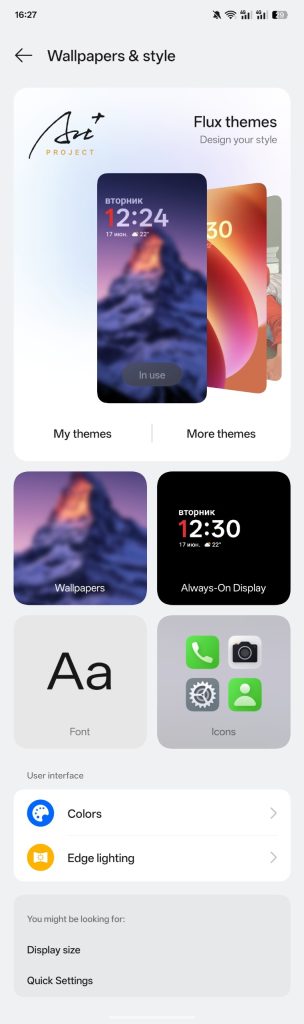
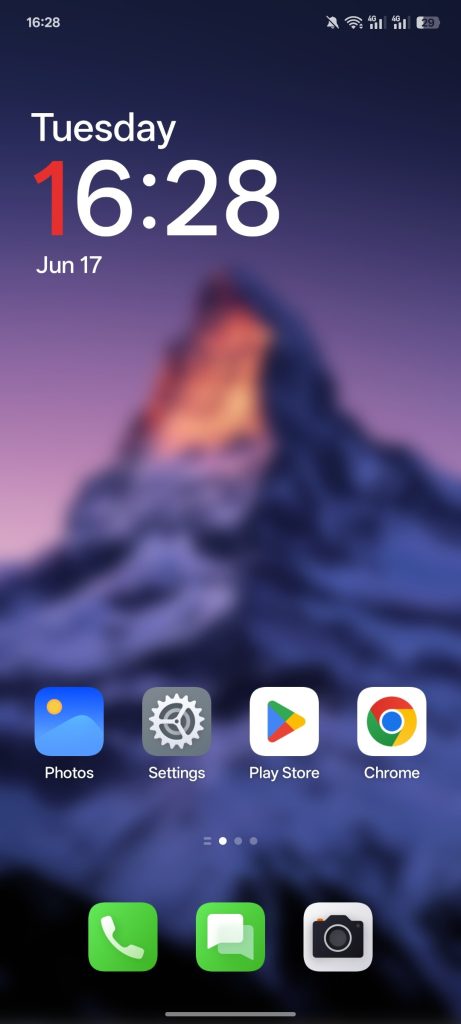
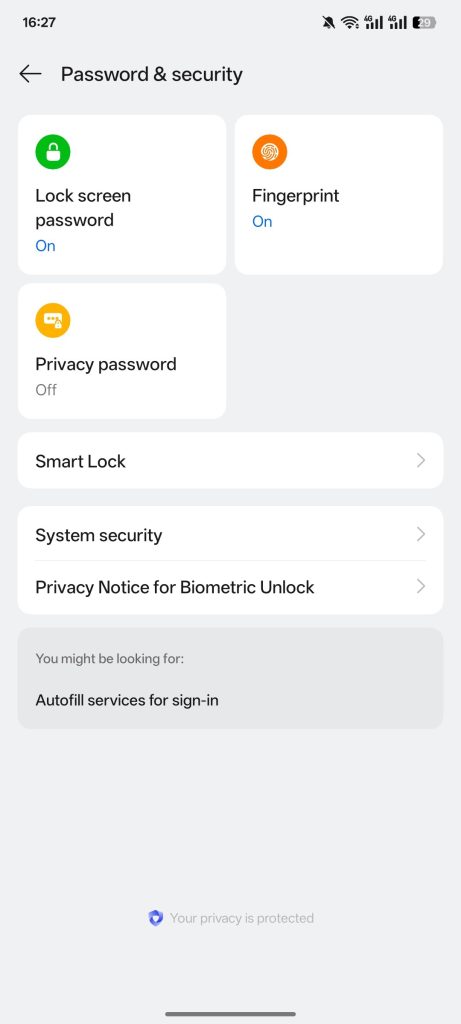
Screenshots:
Notes & Tips
- Initial Stability Period: Please give 2–3 days for the ROM to settle.
- Battery Backup: Moderate during initial usage; improves after 24–72 hrs.
- Heating Issues: Avoid panic during first 24 hours—thermal configs stabilize later.
- Dt2W Warning: Don’t enable from Settings—use
sdcard/OPFeatures/Double-tap-to-wake.txtinstead.1= Enabled0= Disabled
- Change Device Name:
- Use
sdcard/OPFeatures/marketplace.txt - Edit via MT Manager or a root file manager
- Use
Recommended Firmware
Make sure to flash the correct firmware for your device before installing the ROM:
- Mi 11X: V1.0.1.0 IN
- Poco F3: V1.0.2.0 Global
- Redmi K40: V1.0.3.0 CN
Flashing Instructions
🛑 Clean Flash (Mandatory if encrypted):
- Boot to Recovery
- Flash the recommended firmware
- Flash the ROM zip
- Reboot to recovery again
- Format Data (Required if encrypted)
- Switch to Slot A
- Reboot system
⚠️ If decrypted already, just wipe Dalvik / Cache and skip formatting.
Optional Kernel Flashing
Only if flashing a custom kernel:
- Backup
boot.img,dtbo.img, andvendor_boot.img - Flash kernel
- Wipe Dalvik / Cache
- Reboot system
🐞 Known Issues
- Face Unlock, App Lock, and certain privacy features do not work
- Play Integrity status fails (expected on ports — use custom fix)
- NFC may work inconsistently across devices
- Classic AOD brightness may drop too low
Support & Credits
- 🧠 Kernel profiles: @dandaaaa
- 📸 GCam + Config: @Redmazic
- 🔐 OTA Disabled: @kosmosik96
- 💡 Fixes & Guides: @Nischay_12089 & all contributors
- 👨🔬 Testers & Porters: Huge thanks to all testers and devs!
Final Notes
- Based on ColorOS / OxygenOS, ported from OnePlus Ace Pro
- China ROM base – some Google services might need manual fixes
- Clean Flash Required
- Fix Play Integrity using third-party modules if needed
- Don’t complain without reading the full changelog and instructions 😄
By @KAPKAET
🔔 Follow @PocoF3GlobalUpdates
👥 Join @PocoF3GlobalOfficial