



HorizonDroid is a clean, feature-rich, and performance-oriented custom ROM built with stability and smoothness in mind. With Android 15 under the hood, HorizonDroid Aquila brings the latest enhancements while staying close to a Pixel-like experience — minimal bloat, smooth UI, and deep customization for power users. Perfect for those who love balance between looks and performance.
Contents
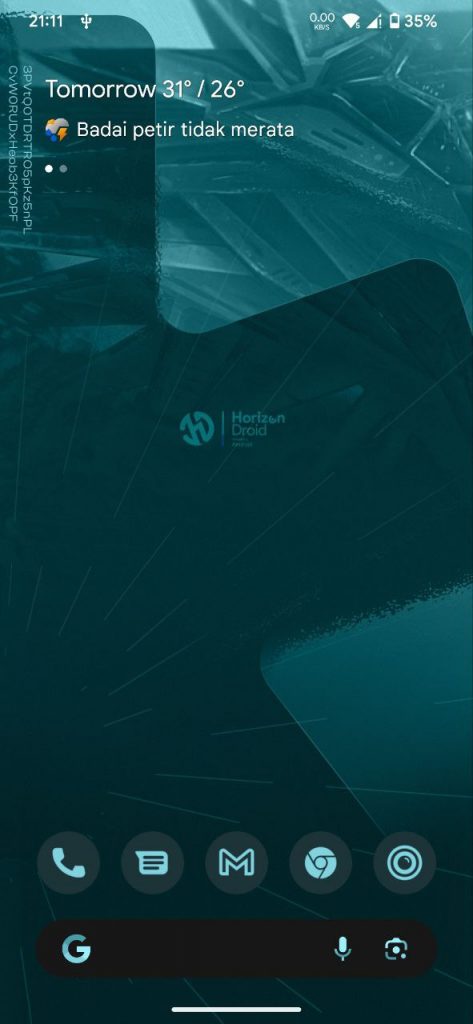
Screenshots:
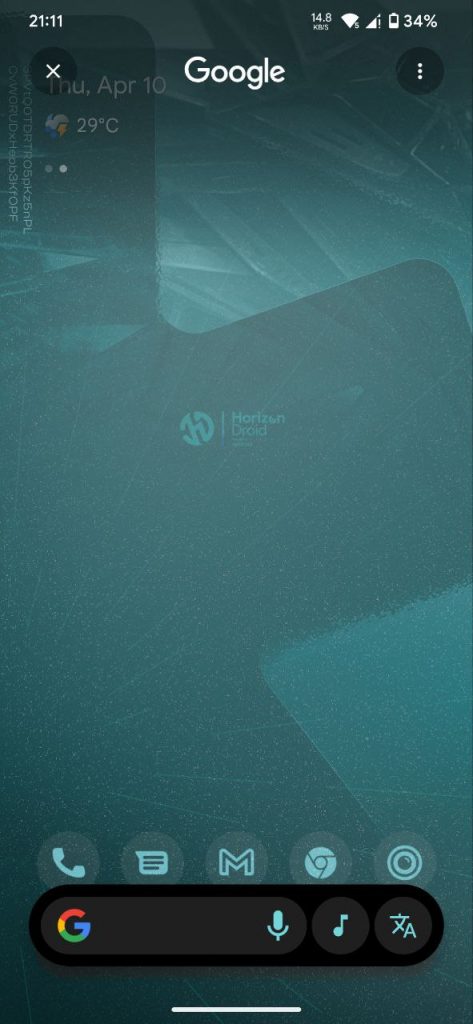
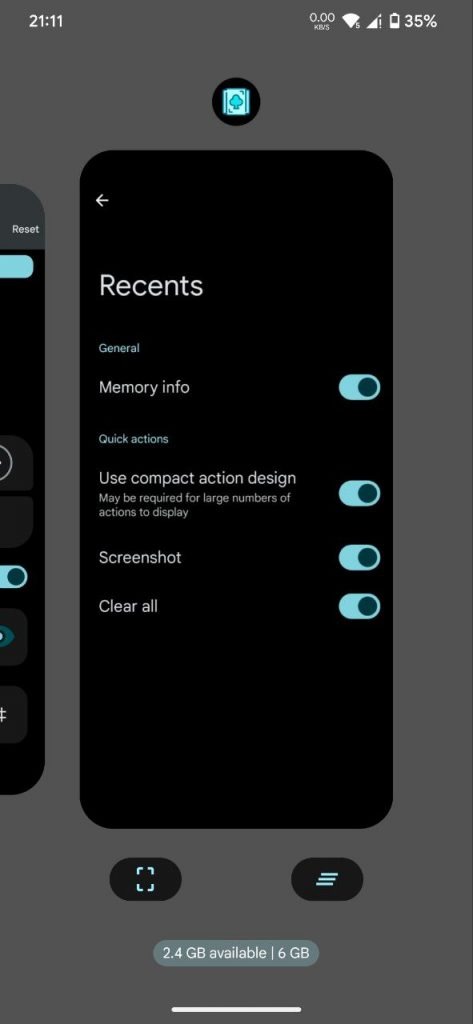
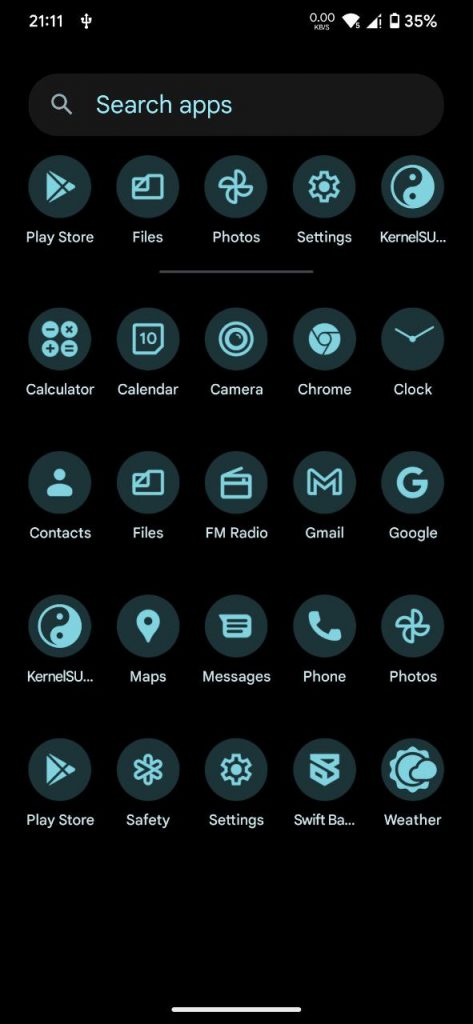
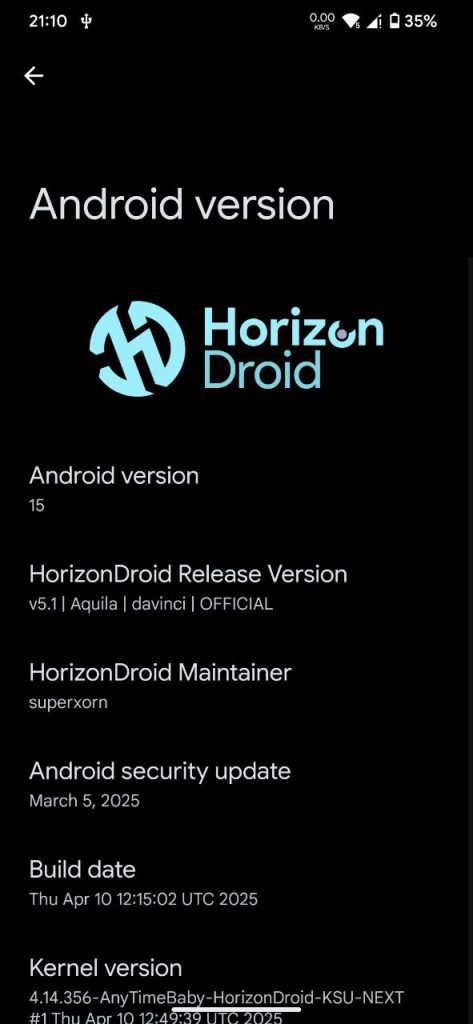

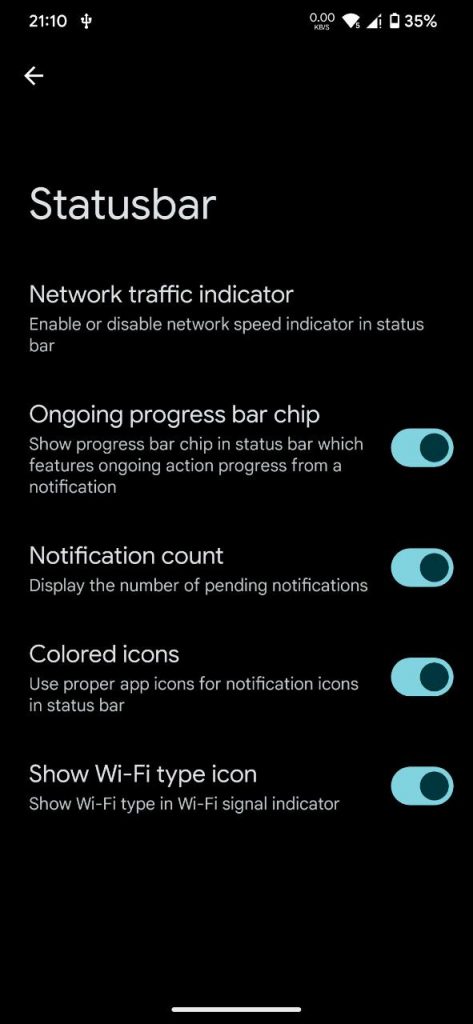
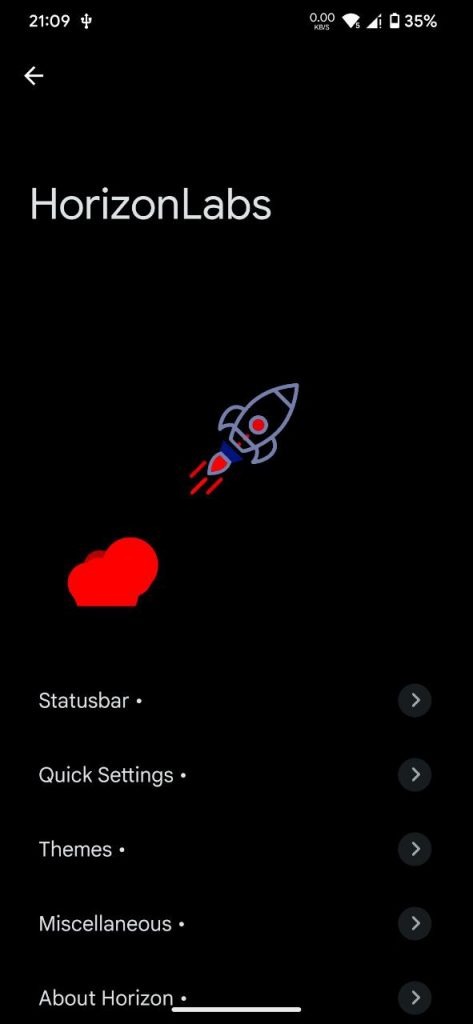
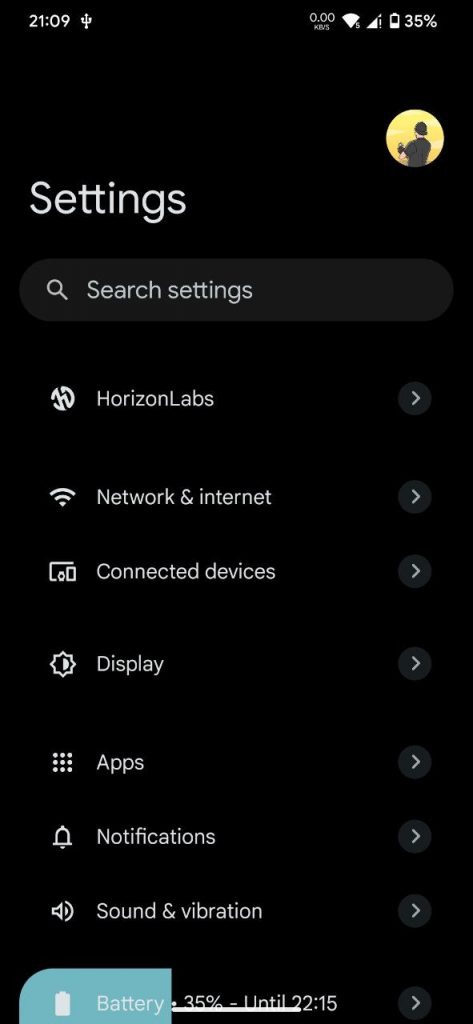
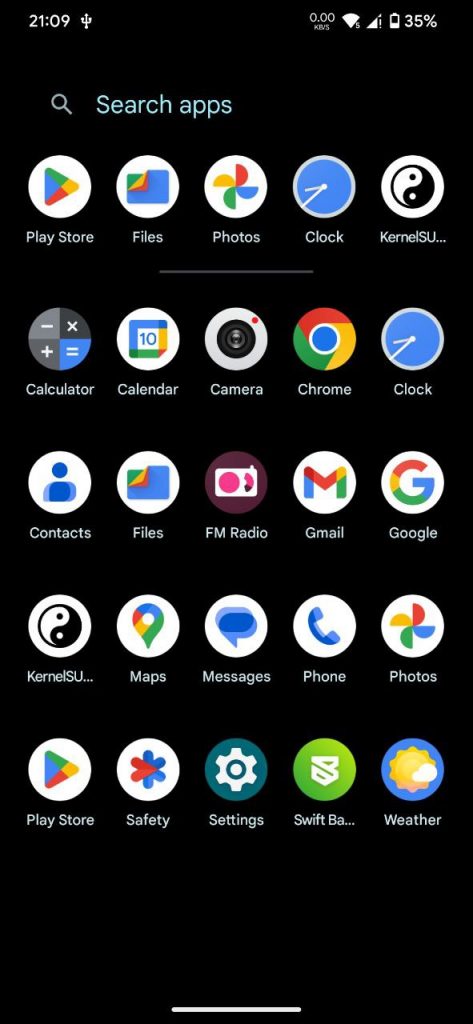
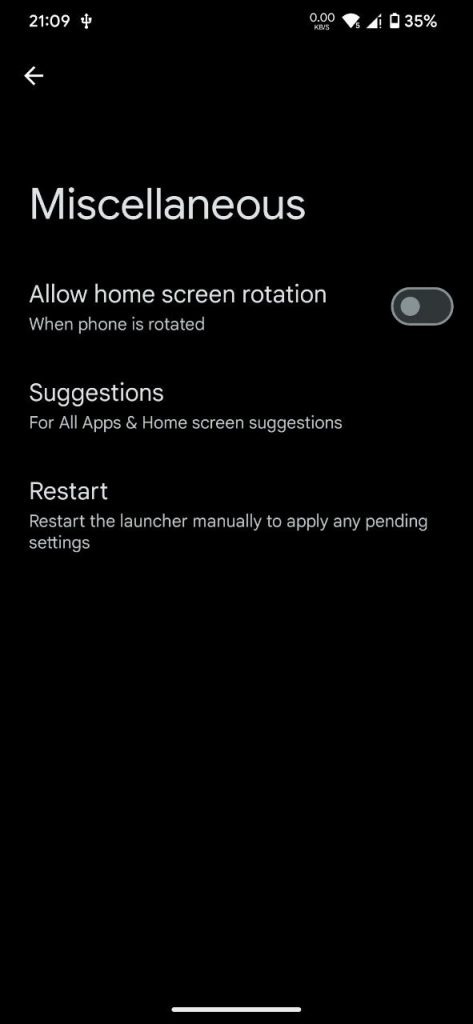
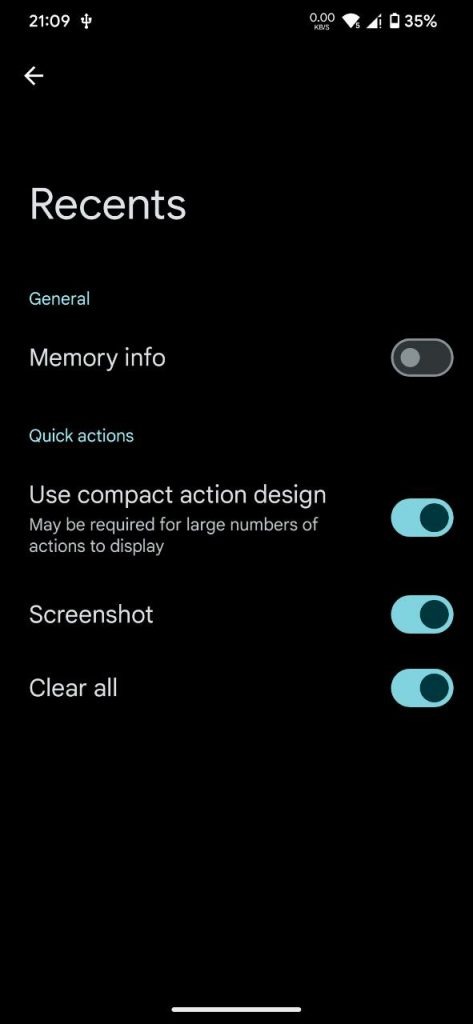
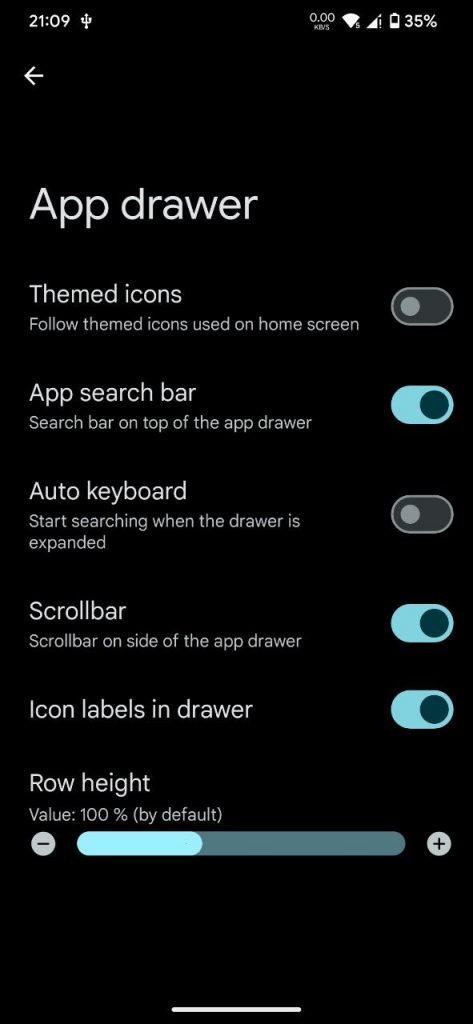
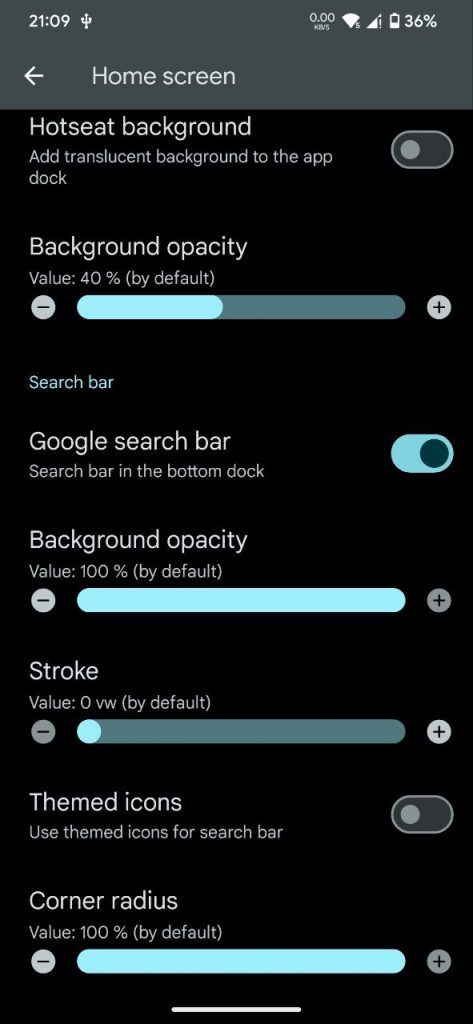
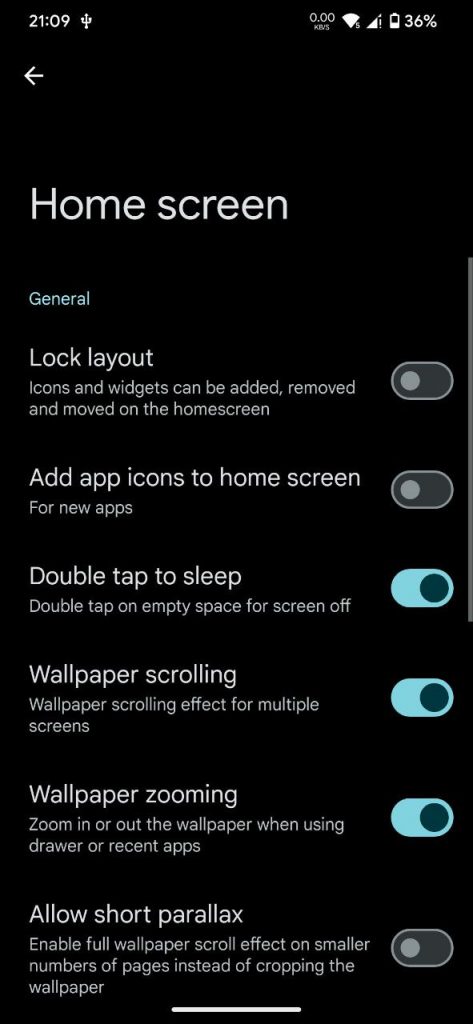
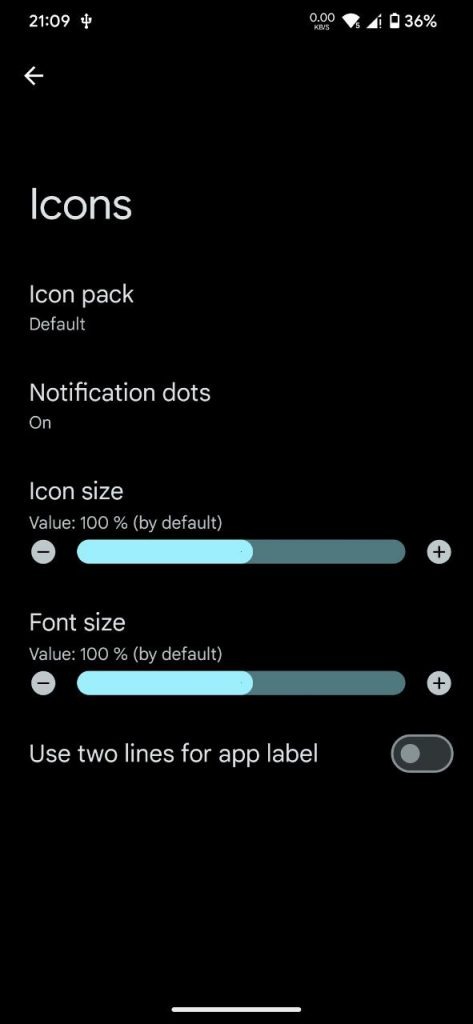
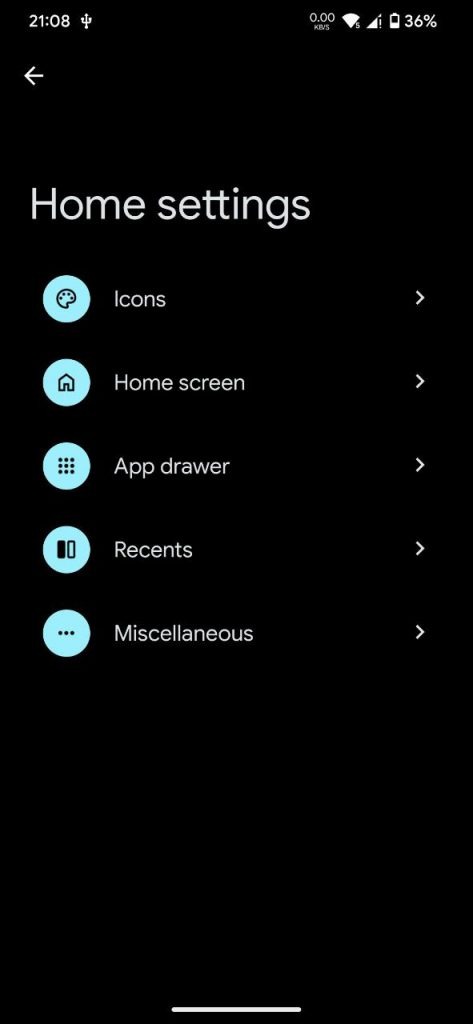
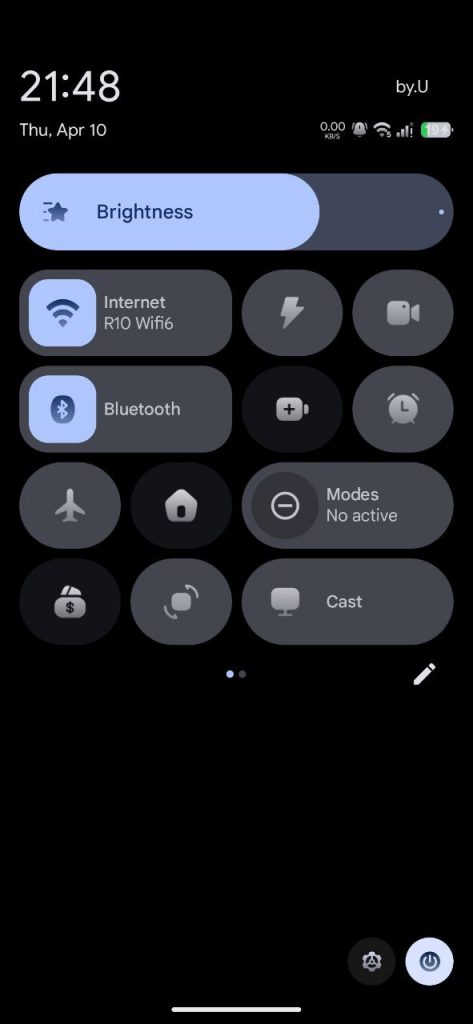
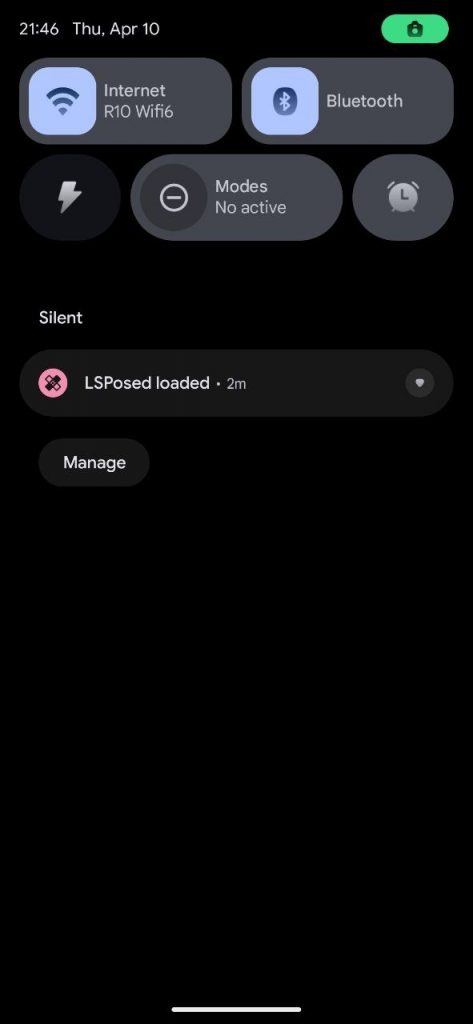
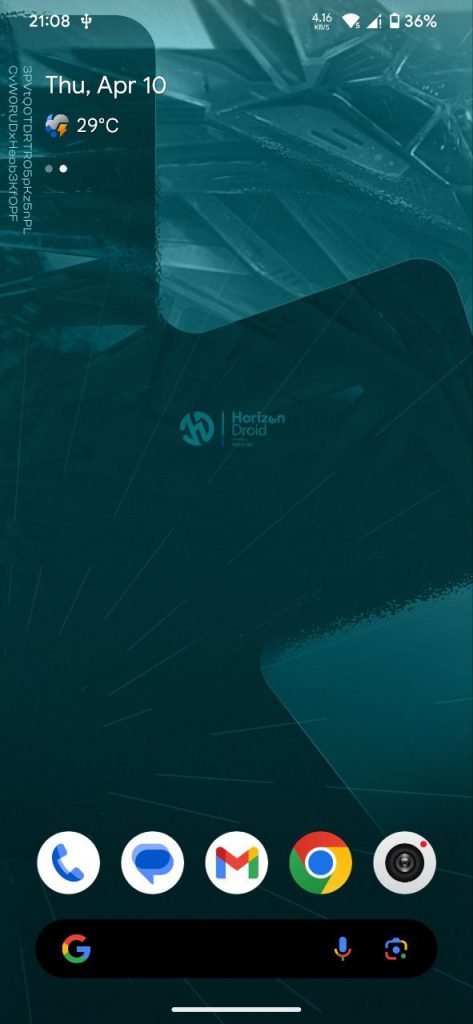
Notes:
- Initial A15 Release
- Device by default certified
- Report bug with proper log
Changelog:
Source update:
- ➡️ Bringback NeptuneUI
- ➡️ Bringback HorizonLab
- ➡️ Add New QS A16
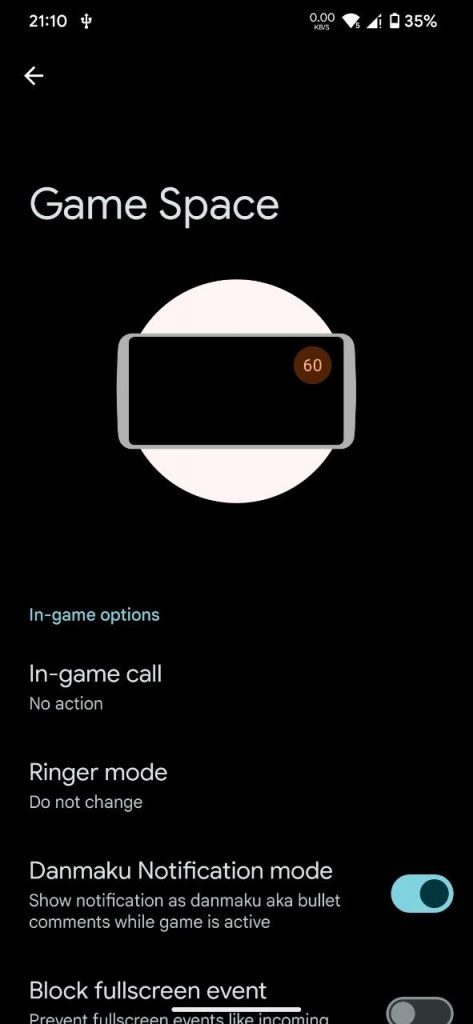
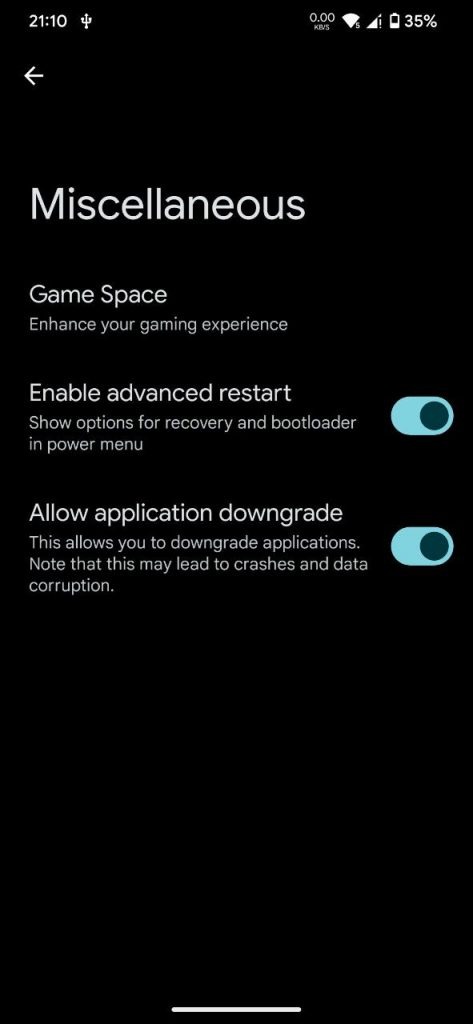
- ➡️ Add Support GameSpace
- ➡️ Add Support Sidebar
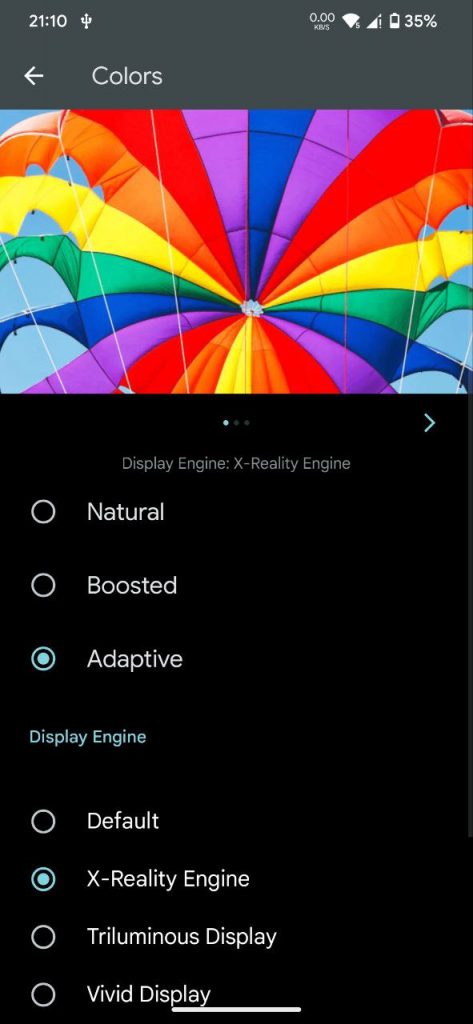
- ➡️ Add Reality Display engine
- ➡️ Add ongoing action chip
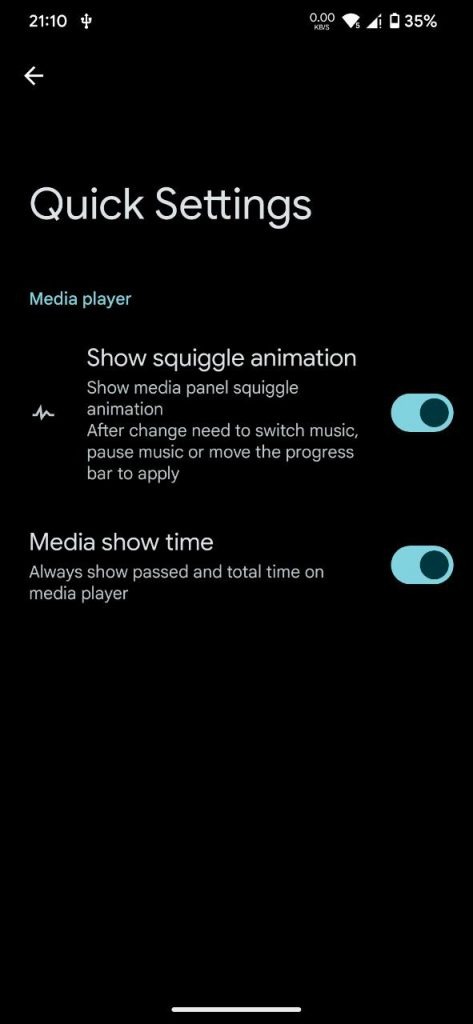
- ➡️ Add Controllable squiggle animation
- ➡️ Add Colored Statusbar Icons optional
- ➡️ Add Notification Count in Statusbar
- ➡️ Add Screen off animations
- ➡️ Add net traffic
- ➡️ Add advanced reboot
- ➡️ Add Wi-Fi standard icon
- ➡️ Switch PixelLauncher > Launcher3 Thanks to ProjectClover
- ➡️ Optimize launcher animations
- ➡️ Implement circle to search
- ➡️ Fixup Implement gesture hint toggle
- ➡️ Fixup Implement taskbar navbar inversion
Device:
- Initial Realese
- MiuiCamera Included
- Sony Dolby Included
Flashing Guide
Follow these steps to clean or dirty flash the ROM. Ensure you’re using a compatible custom recovery and correct firmware version for your region.
📝 Notes:
- ⚠️ Flash fastboot stock HyperOS ROM if you were previously on MIUI or are facing issues.
- 💡 If stuck in a bootloop, go back to recovery and format data again.
- 🔄 You can skip flashing firmware if you’re already on the same version.
✅ Clean Flash (Recommended)
- Boot into Custom Recovery
- Format Data (can be done before or after flashing ROM)
- Reboot to Recovery
- Flash latest firmware for your region
- Reboot to Recovery again
- Flash ROM ZIP
- (Optional) Flash GApps if using Vanilla build
- Reboot System
🔄 Dirty Flash (For Upgrades)
- Boot into Custom Recovery
- Reboot to Recovery
- Flash latest firmware for your region
- Reboot to Recovery
- Flash ROM ZIP
- (Optional) Flash GApps if using Vanilla build
- Reboot System
Support & Credit:
- Thanks To Grewal for base trees, and unmoved for the help.
- Thanks To Horizon Droid Team For Banner .