




The Redmi Note 13 Pro 5G (Garnet) receives a new Android 16 update with the release of AfterlifeOS 8.4 Ophelia Official. Built on an open-source (OSS) foundation, this release focuses on delivering a fast, clean, and responsive Android experience while introducing updated graphics drivers, extensive kernel improvements, better thermal management, and enhanced gaming performance.
Maintained by ZylhdrXP, AfterlifeOS 8.4 is designed for users who want a balanced ROM that combines daily stability with performance-oriented optimizations. The ROM also ships with Google Apps, Dolby Atmos, MIUI Camera, and integrated KernelSU support, making it ready to use immediately after installation.
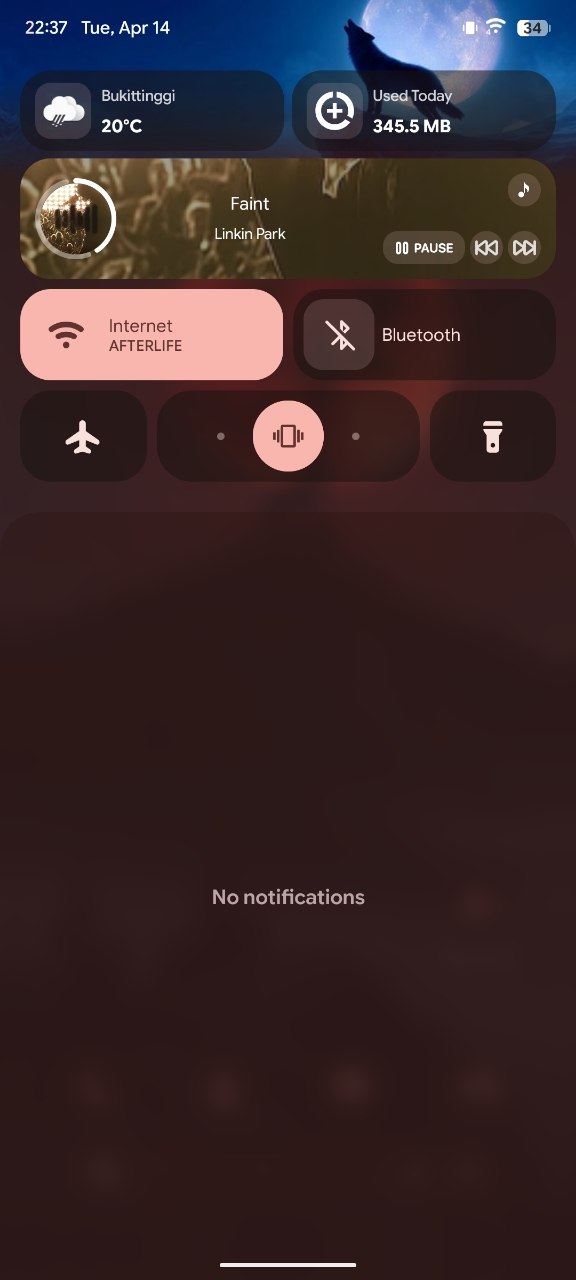
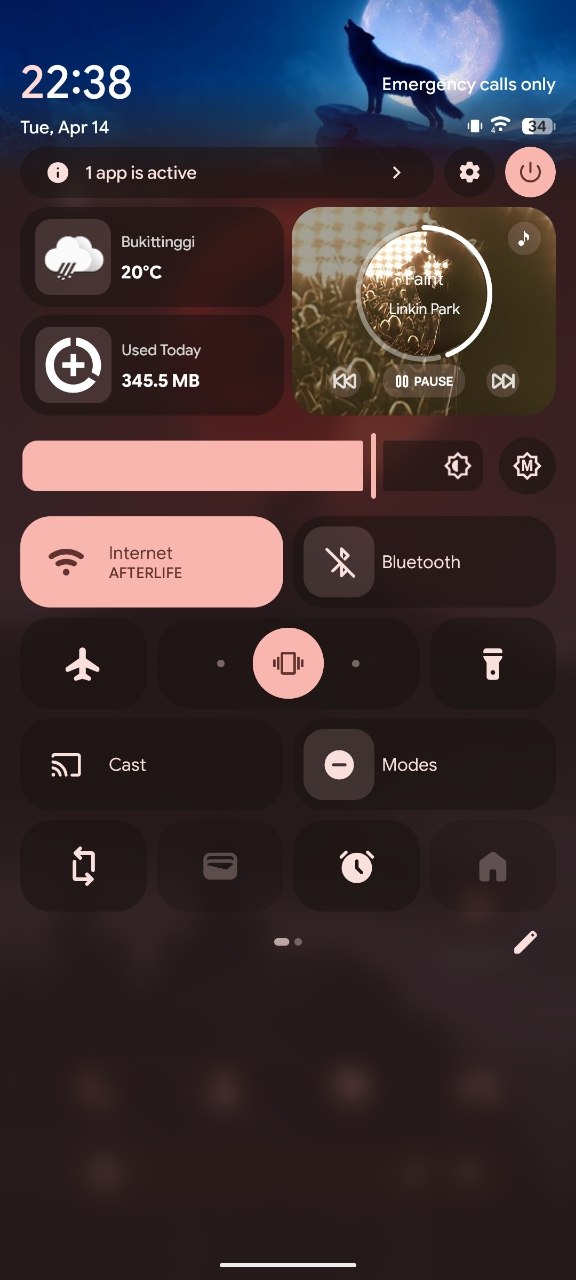
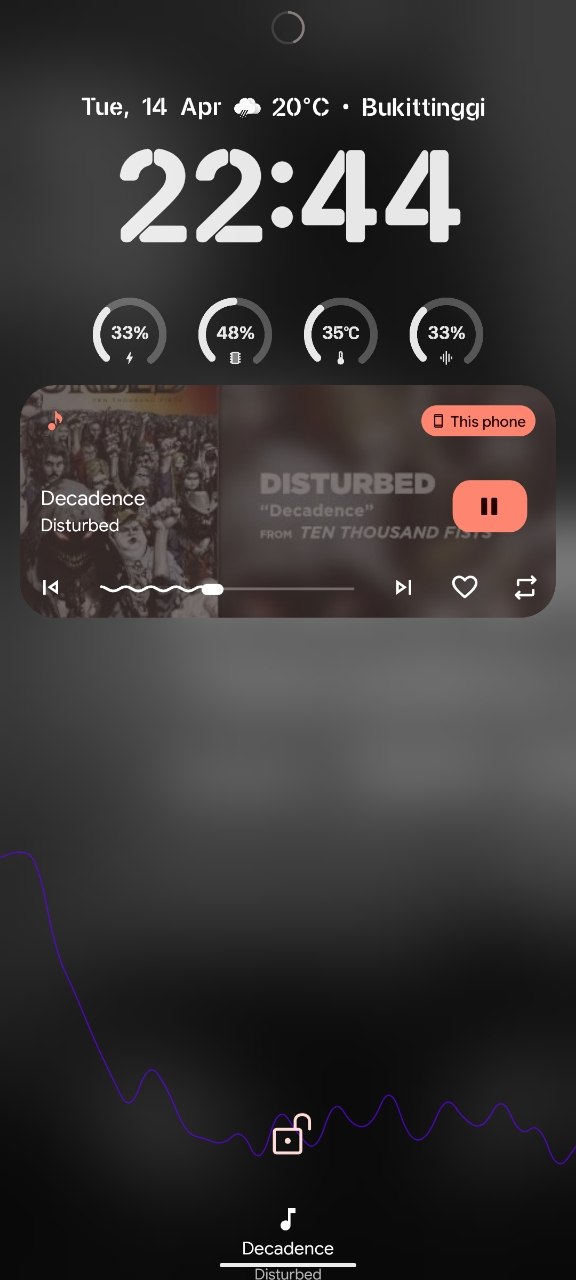
Screenshots:
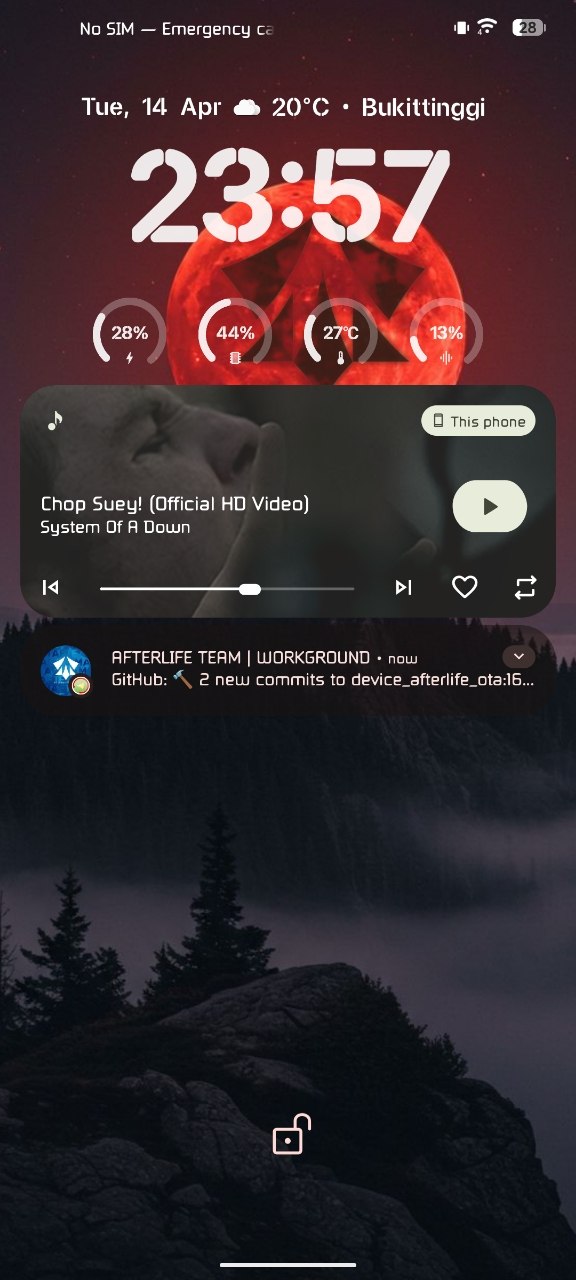
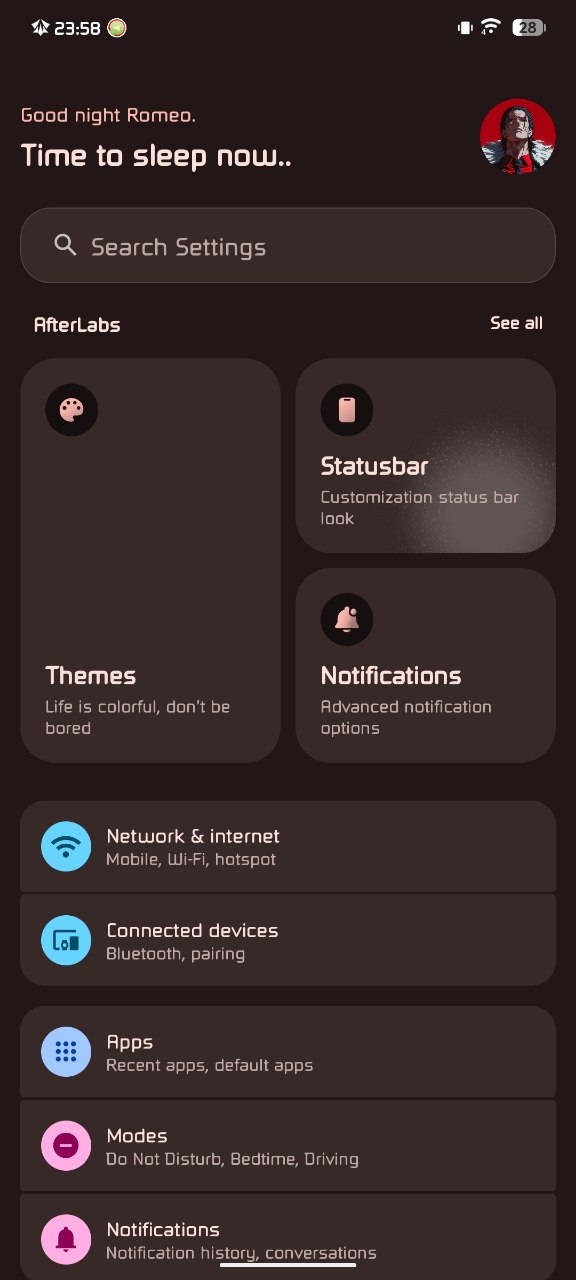
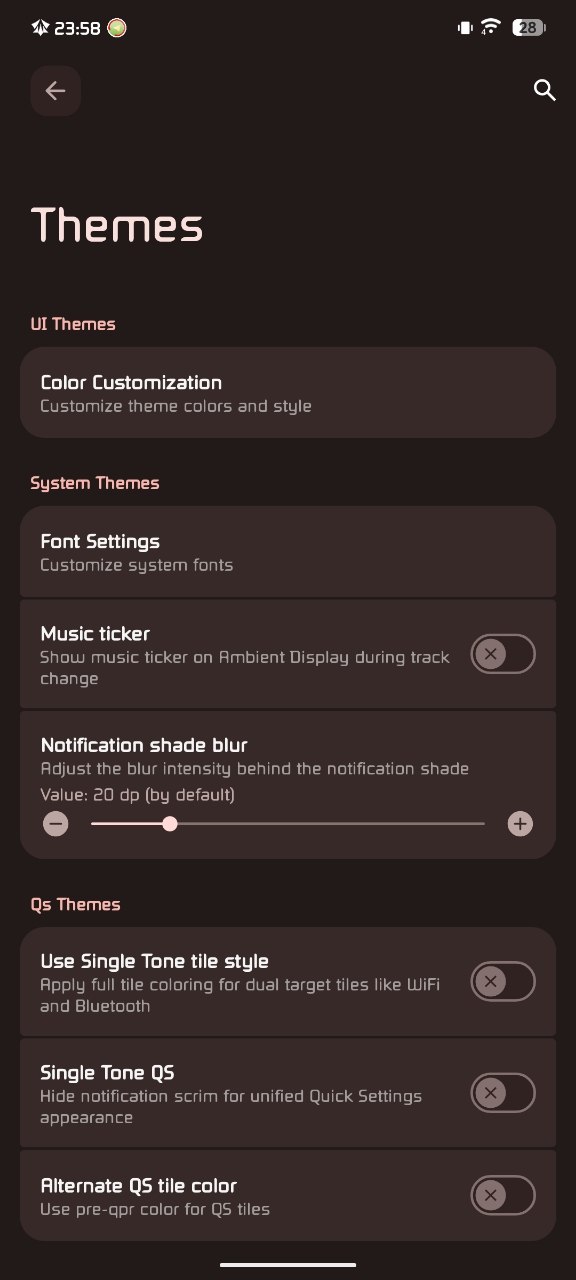
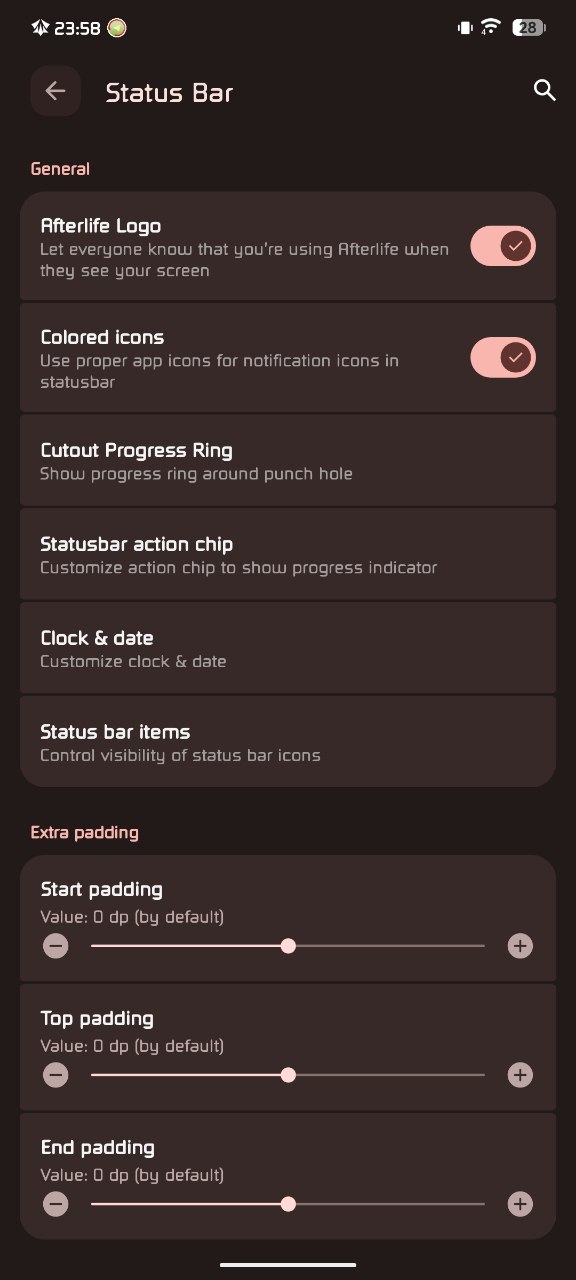
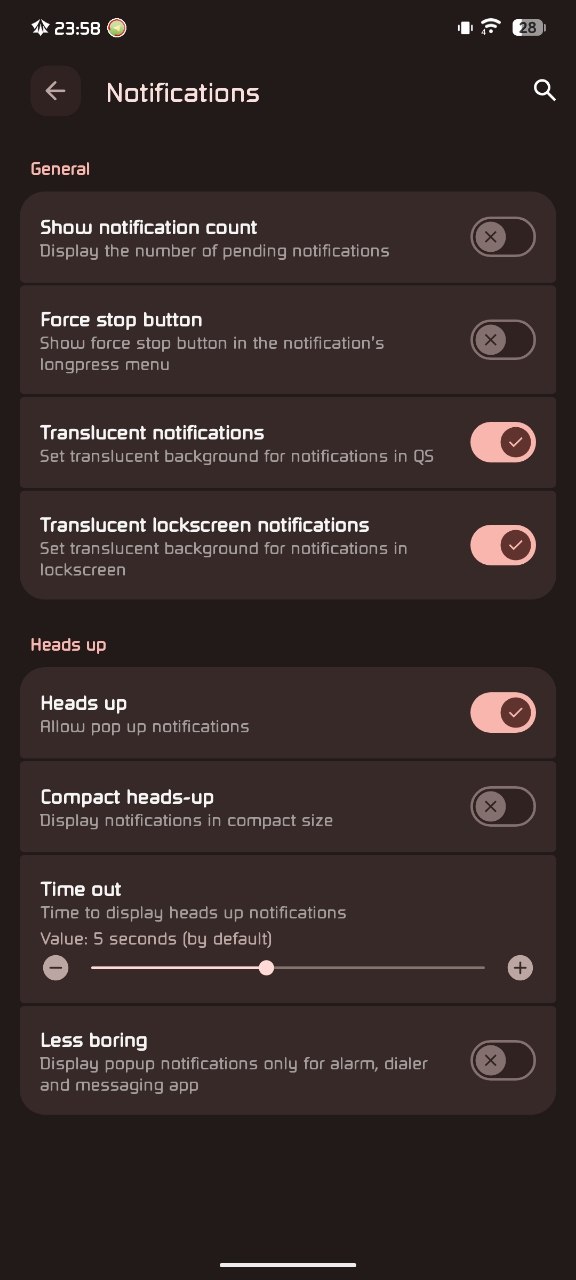
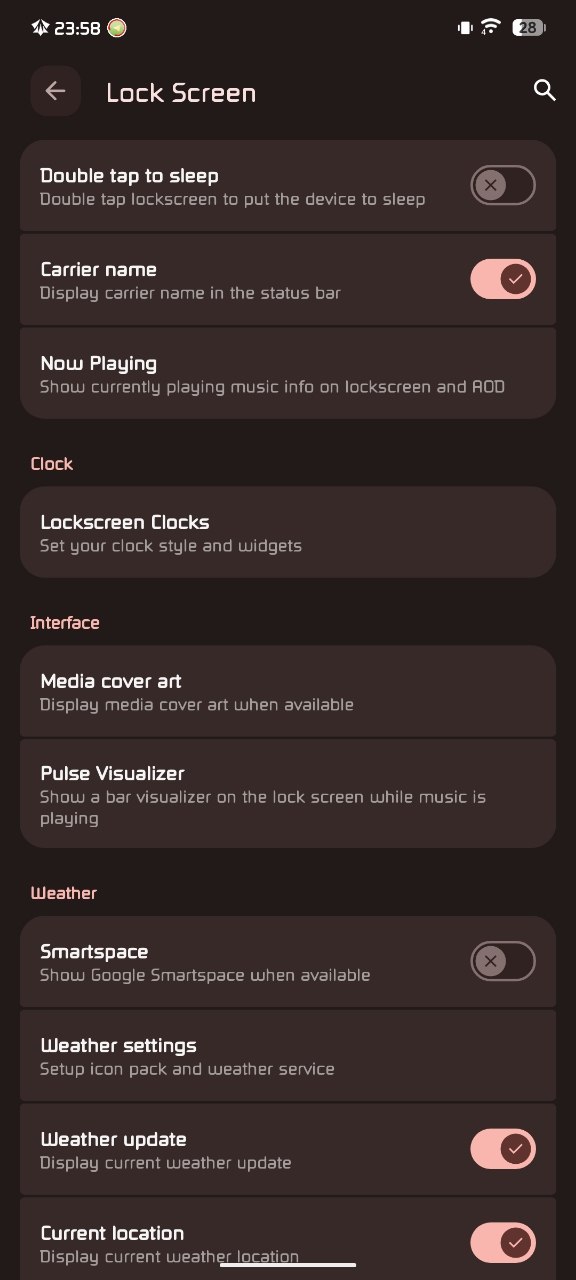
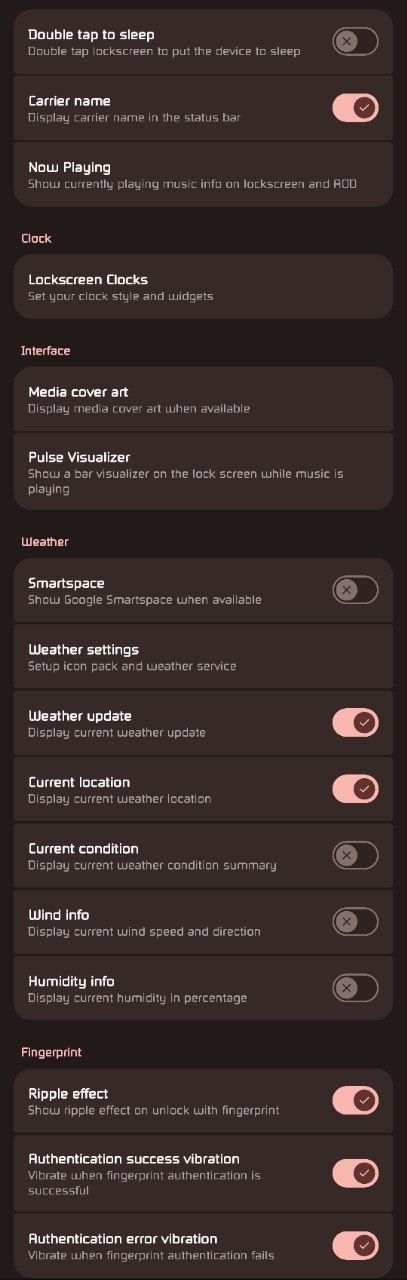
AfterlifeOS 8.4 Information
- ROM Name: AfterlifeOS 8.4 Ophelia
- Android Version: Android 16
- Device: Redmi Note 13 Pro 5G (Garnet)
- ROM Status: Official
- Build Type: GApps
- ROM Base: OSS
- Developer: ZylhdrXP
- Release Date: 20 April 2026
What’s New in AfterlifeOS 8.4?
Updated Adreno Graphics Drivers
This release adopts newer Adreno GPU drivers from HyperOS 3.0.7.0.WNACNXM, improving graphics compatibility and delivering smoother performance in games and GPU-intensive applications.
Improved Graphics Rendering
The ROM enables Vulkan as the default graphics renderer and introduces several HWUI optimizations that improve animation smoothness, scrolling performance, and overall UI responsiveness.
Better Gaming Performance
Gaming performance has been enhanced through several improvements, including:
- Updated GameBar integration
- GPU driver enhancements
- Better thermal tuning
- Optimized charging behavior during heavy workloads
These changes help provide a more stable gaming experience while keeping temperatures under better control.
Kernel Upgraded to Linux 5.10.253
The included Linux kernel has been rebased and upstreamed to version 5.10.253, bringing newer fixes, improved stability, and better hardware compatibility.
Advanced I/O Improvements
AfterlifeOS introduces the Adaptive Deadline I/O Scheduler (ADIOS) v3.2.0, designed to improve storage responsiveness, reduce latency, and enhance overall application loading performance.
Reflex CPUFreq Governor
The kernel now includes the Reflex CPUFreq Governor v0.3.0r2, enabling faster CPU frequency scaling for improved responsiveness during demanding workloads.
Improved Battery Efficiency
Several power management improvements have been added, including:
- Enhanced deep sleep behavior
- Suspend-to-idle support
- Better charging optimization
- Reduced background power consumption
These changes help extend battery life while maintaining strong performance.
Filesystem and Memory Optimizations
Storage and memory management have also received attention through:
- Optimized F2FS garbage collection
- Faster fsync operations
- Improved cache handling
- Fixed zRAM race conditions
- Better memory management
Additional Kernel Improvements
The kernel also includes:
- IP Set support
- Reduced scheduler log spam
- Lower Out-of-Memory events
- Improved block layer performance
- Multiple upstream Linux fixes
Included Features
AfterlifeOS 8.4 comes with several useful features already integrated:
- Google Apps included
- KernelSU-Next v3.2.0
- SUSFS v2.1.0
- Dolby Atmos
- MIUI Camera
- OSS-based source
- Vulkan renderer enabled
- Updated Adreno GPU drivers
Official Changelog
- Updated Adreno GPU drivers from HyperOS 3.0.7.0.WNACNXM
- Added HWUI performance optimizations
- Enabled Vulkan as the default renderer
- Improved thermal management and charging behavior
- Updated GameBar
- Rebased Linux kernel to 5.10.253
- Added Adaptive Deadline I/O Scheduler (ADIOS) v3.2.0
- Added Reflex CPUFreq Governor v0.3.0r2
- Enabled IP Set support
- Improved deep sleep and suspend-to-idle
- Optimized F2FS performance
- Fixed zRAM race conditions
- Reduced scheduler log spam
- Various upstream kernel, block layer, and I/O scheduler improvements
Installation Notes
Before installing the ROM, keep the following in mind:
- Use the recommended HyperOS 2.0 firmware.
- KernelSU-Next and SUSFS are already included.
- Dolby Atmos and MIUI Camera are pre-installed.
- Performing a clean flash is recommended when switching from another ROM.
- Always create a backup of your important data before flashing.
Important Links
Official Changelog:
https://afterlifeos.com/download/?search=garnet
Support Group:
https://t.me/chatzylplayground
Credits
Special thanks to everyone who contributed to this release:
- ZylhdrXP – ROM maintainer
- grewal – Base device trees
- kleidione – MIUI Camera integration
- FlyingSquirrel02 – Thermal and charging optimizations
- ph12nex – GameBar improvements
- ramabondanp – Kernel rebase and upstream work
- All open-source contributors
Final Thoughts
AfterlifeOS 8.4 Ophelia is a feature-packed Android 16 ROM that emphasizes speed, stability, and modern hardware optimization. With updated Adreno graphics drivers, a rebased Linux 5.10.253 kernel, Vulkan rendering, advanced storage optimizations, and integrated KernelSU support, the ROM delivers a refined experience for both everyday use and gaming.
Combined with Dolby Atmos, MIUI Camera, and thoughtful performance enhancements, this release stands out as a strong option for Redmi Note 13 Pro 5G users looking for a polished Android 16 ROM. Before flashing, ensure you’re using the recommended HyperOS firmware and always back up your important data to ensure a smooth installation process.