


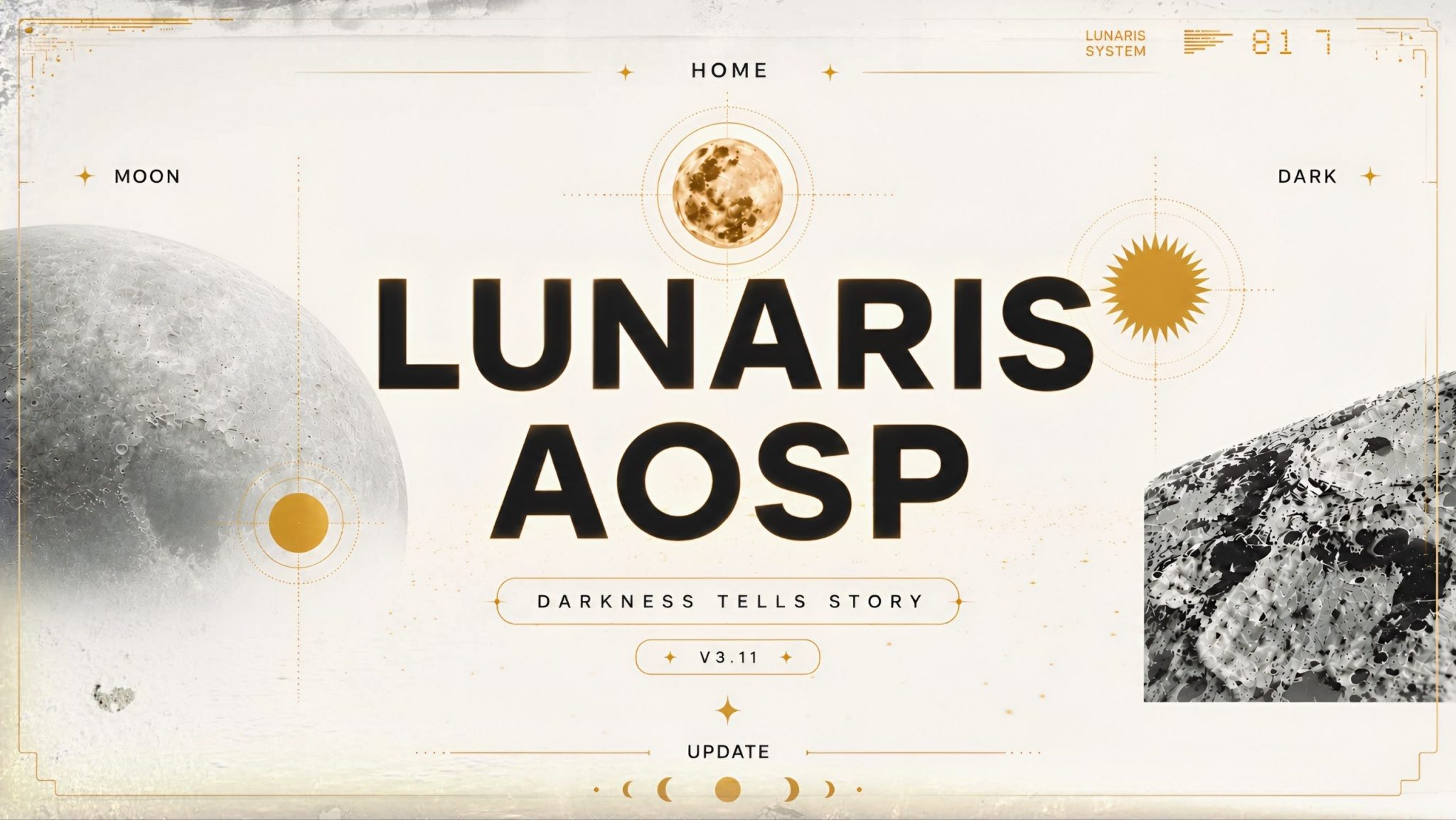
The POCO F3 (Alioth) continues to receive active Android 16 development with the release of LunarisAOSP v3.11 Community Edition. Developed by Yaseakun, this build focuses heavily on multimedia improvements, particularly Dolby Vision integration, while also introducing Android 16 QPR2 compatibility, updated device components, and several system optimizations.
Built as a clean AOSP-based ROM, LunarisAOSP is available in both GApps and Vanilla editions and includes useful additions such as Dolby Atmos, Leica Camera, and built-in KernelSU support. This release is intended for users looking for a lightweight Android experience without sacrificing multimedia capabilities.
Screenshots:
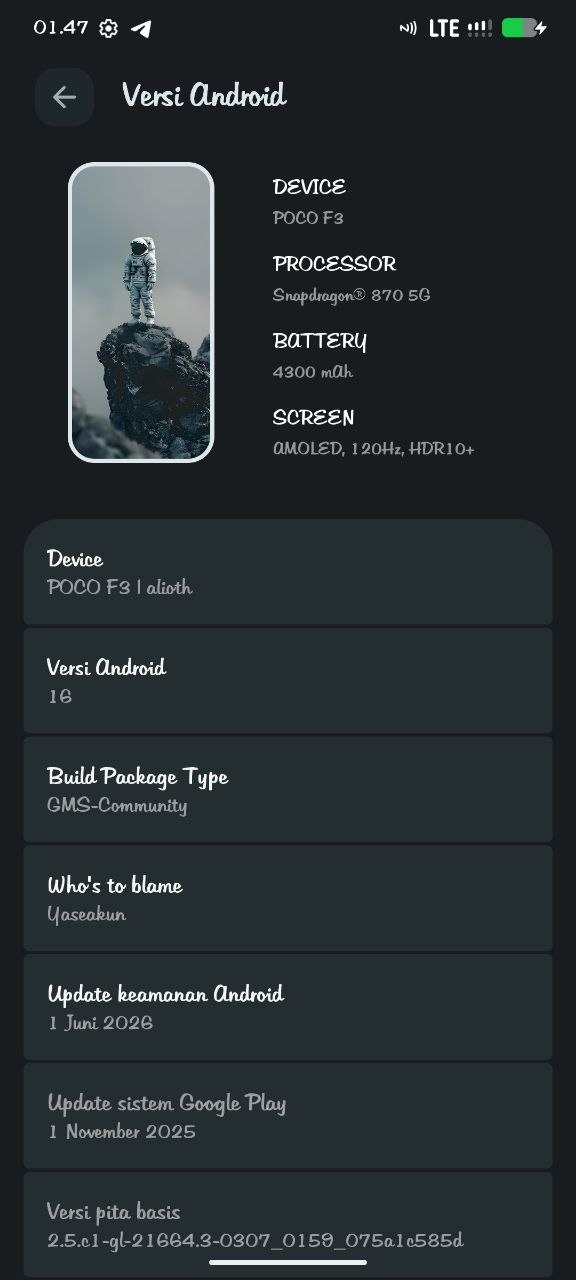
LunarisAOSP v3.11 Information
- ROM Name: LunarisAOSP v3.11 Community
- Android Version: Android 16
- Device: POCO F3 (Alioth)
- ROM Type: Community Build
- Build Variants: GApps & Vanilla
- Developer: Yaseakun
- Updated: 6 June 2026
What’s New in This Release?
Rebased Device Tree
The device tree has been rebased to align with the latest Android 16 development. During the rebase, unnecessary or outdated commits were removed to provide a cleaner and more maintainable codebase.
Graphics Allocator Improvements
The ROM now properly declares the graphics allocator through VINTF, improving compatibility between Android’s framework and vendor components.
Updated Vendor Manifest
The c2_manifest_vendor.xml file has been moved directly into the device tree, simplifying component management and improving system organization.
Updated Firmware Blobs
Device blobs have been updated from HyperOS 2.0.16.0.UMZMIXM (Pipa), bringing newer proprietary components and hardware compatibility improvements.
Dolby Vision Enhancements
One of the primary focuses of this release is significantly improved Dolby support.
New Dolby Vision Support
Native Dolby Vision support has been added, expanding compatibility with supported HDR video content.
Updated Dolby Vision Stack
The ROM adopts a newer standalone Dolby Vision Stack from Android 16, improving compatibility with modern multimedia components.
Dolby Vision Service
Dedicated Dolby Vision Service support has been implemented, allowing smoother interaction between Android and Dolby components.
GraphicBuffer Improvements
The ROM patches libdolbyvision.so to allocate GraphicBuffer using updated parameters, helping improve playback stability.
Motorola Dolby Defaults
Several Dolby configuration files have been imported from Motorola devices, providing additional tuning for audio processing.
Updated Dolby Audio Configuration
The ROM updates dax-default configuration files using newer MIUI implementations, improving Dolby audio behavior.
Bass Enhancer Enabled
The bass enhancement feature has been force-enabled to deliver richer low-frequency audio output.
Spatial Audio Improvements
Spatial Audio properties have been moved to the vendor partition while the audio framework has been synchronized to improve compatibility with Android 16.
Updated Dolby SELinux Policies
Several new SELinux rules have been added specifically for Dolby Vision support, improving both functionality and security.
Better Notification Handling
The Dolby notification listener card is now automatically dismissed once the required permission has been granted, creating a cleaner user experience.
Android 16 QPR2 Improvements
This build also incorporates Android 16 QPR2 enhancements, including:
- Updated proprietary blobs requiring libtinyxml2-v34.so
- Added com.android.bluetooth context to seapp_contexts
These updates improve Bluetooth compatibility and help align the ROM with Android 16’s newer framework.
Included Features
LunarisAOSP continues to include several useful features:
- Android 16
- GApps and Vanilla builds
- Dolby Atmos
- Dolby Vision
- Leica Camera
- Built-in KernelSU root support
- Community maintenance
- Clean AOSP interface
Root Support
The ROM comes rooted by default.
The developer recommends using KernelSU for managing root access and maintaining compatibility with supported applications.
Official Changelog
Device Changes
- Rebased device tree
- Declared graphics allocator through VINTF
- Moved c2_manifest_vendor.xml into device tree
- Imported Dolby Media Codec
- Synced audio with Spatial Audio
- Built Lineage Health HAL
- Updated blobs from HyperOS 2.0.16.0.UMZMIXM
- Added Dolby Vision support
- Imported Motorola Dolby defaults
- Enabled Bass Enhancer
- Moved Spatial Audio properties to vendor
- Updated Dolby configuration from MIUI
- Patched libdolbyvision.so
- Added Dolby Vision Service
- Added Dolby SELinux rules
- Improved notification listener handling
Android 16 QPR2 Changes
- Updated blob dependency to libtinyxml2-v34.so
- Added Bluetooth SELinux context
Installation Notes
The developer recommends:
- Clean Flash is mandatory.
- Use the recommended firmware before installation.
- Choose either the GApps or Vanilla build according to your preference.
- Manage root access using KernelSU.
Credits
Special thanks to everyone who contributed to this release:
- sk113r for the kernel.
- Farhaana99 for testing.
- All developers working on Qualcomm SM8250 devices for their continued contributions to the Android community.
Final Thoughts
LunarisAOSP v3.11 Community Edition delivers one of the most significant multimedia upgrades for the POCO F3 by introducing comprehensive Dolby Vision support alongside Dolby Atmos, updated firmware components, refreshed device trees, and Android 16 QPR2 compatibility. The combination of improved display handling, enhanced audio processing, updated vendor components, and built-in KernelSU makes this release particularly appealing for users who want a clean AOSP experience without sacrificing premium multimedia features.
With both GApps and Vanilla variants available, users can choose the setup that best fits their needs while enjoying a lightweight, stable Android 16 experience. As always, back up your important data before flashing, perform the required clean installation, and use the recommended firmware to achieve the best possible performance and compatibility.


Running perfectly on my device so far.