




The custom ROM community for the POCO F3 (Alioth) continues to thrive with the release of ZKOS v3.0.5 CN, an unofficial Android 15 port developed by SiRahan. Built using the POCO F5 firmware as its base, this ROM aims to deliver a smooth and modern HyperOS-inspired experience while keeping performance and stability at the forefront.
This release is the developer’s first public ZKOS port for Alioth and includes several notable enhancements such as the FakeDreamer Kernel, Leica Camera 6.0, OrangeFox Recovery, and an optimized EROFS-based system. If you’re looking to refresh your POCO F3 with Android 15 while enjoying Xiaomi’s latest software features, ZKOS v3.0.5 is worth exploring
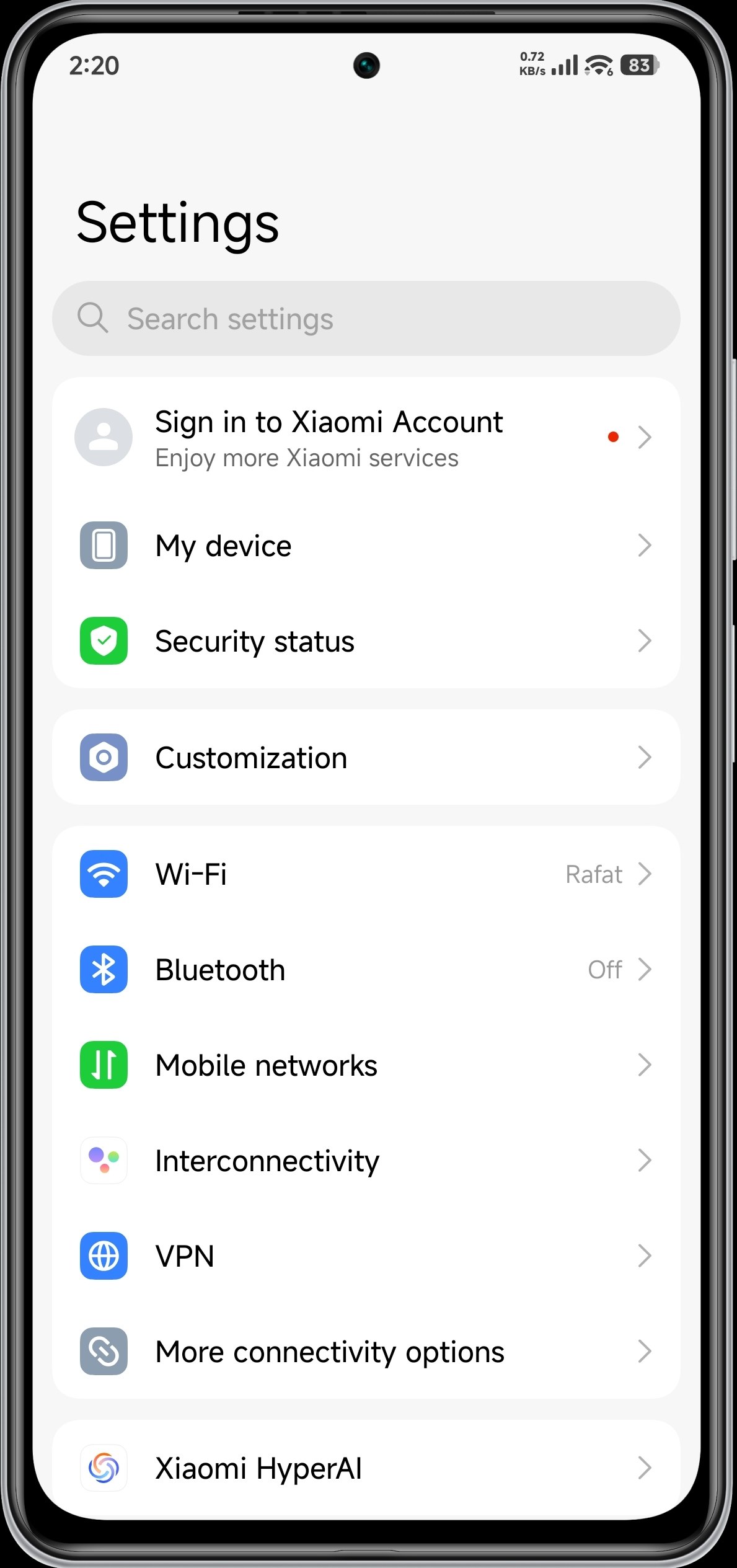
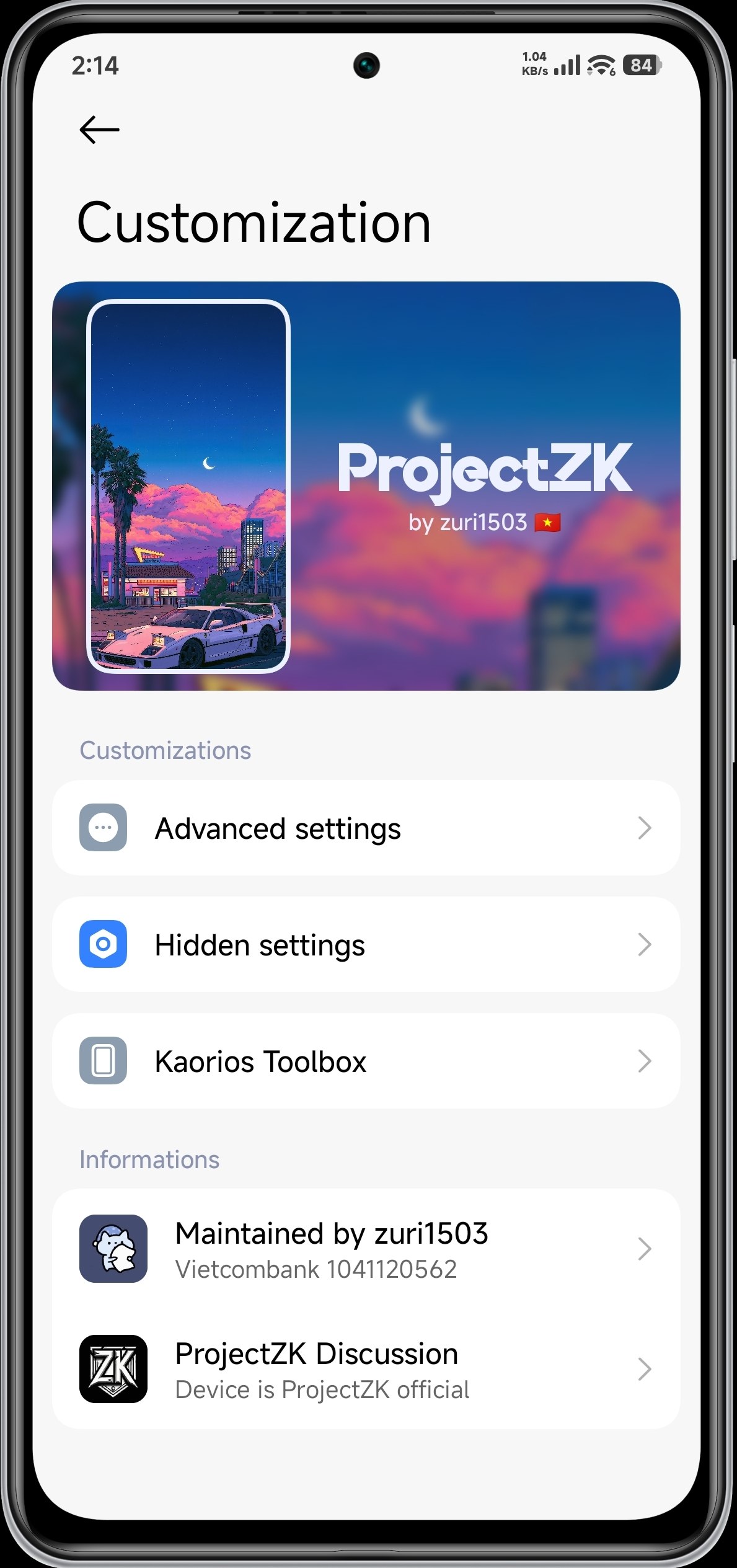
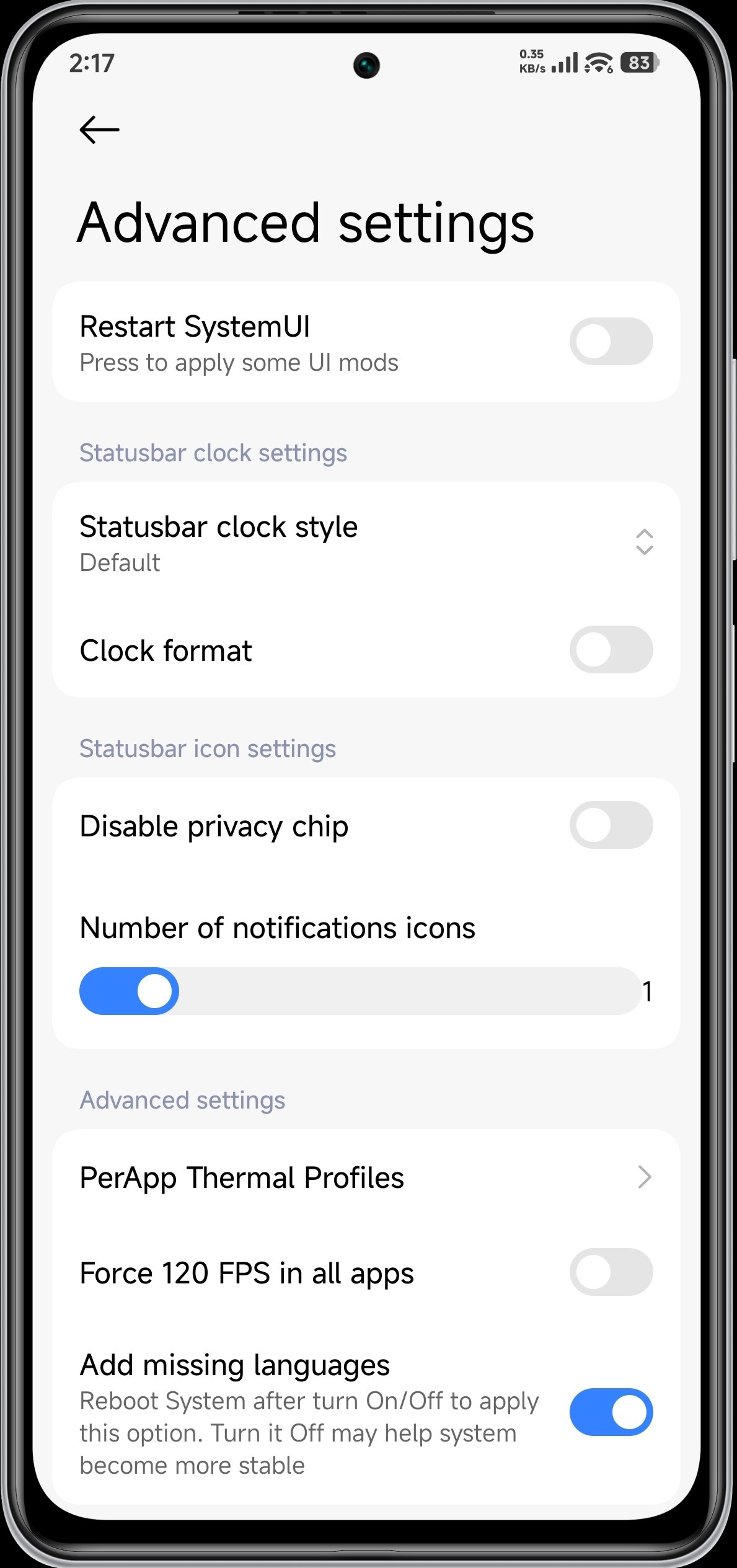
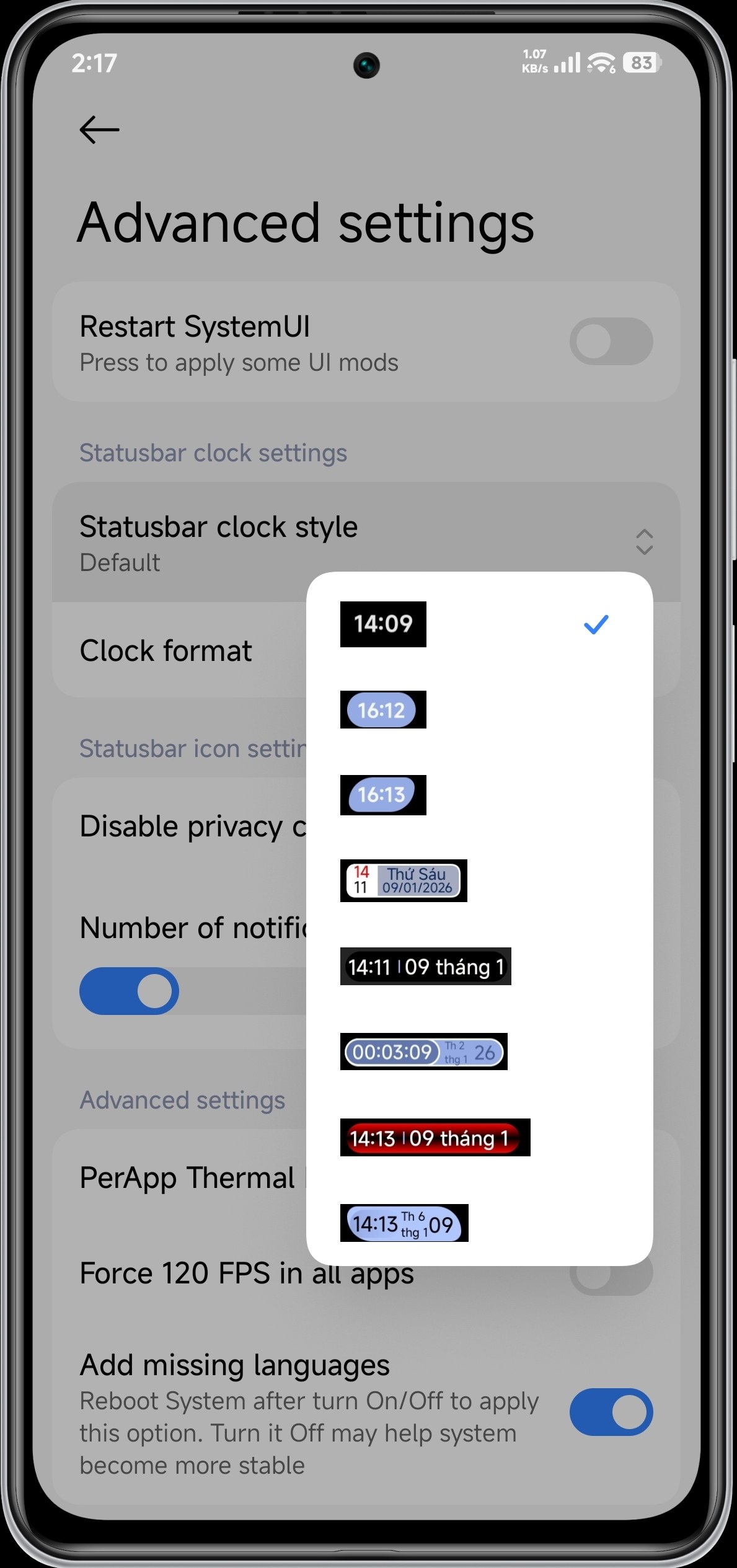
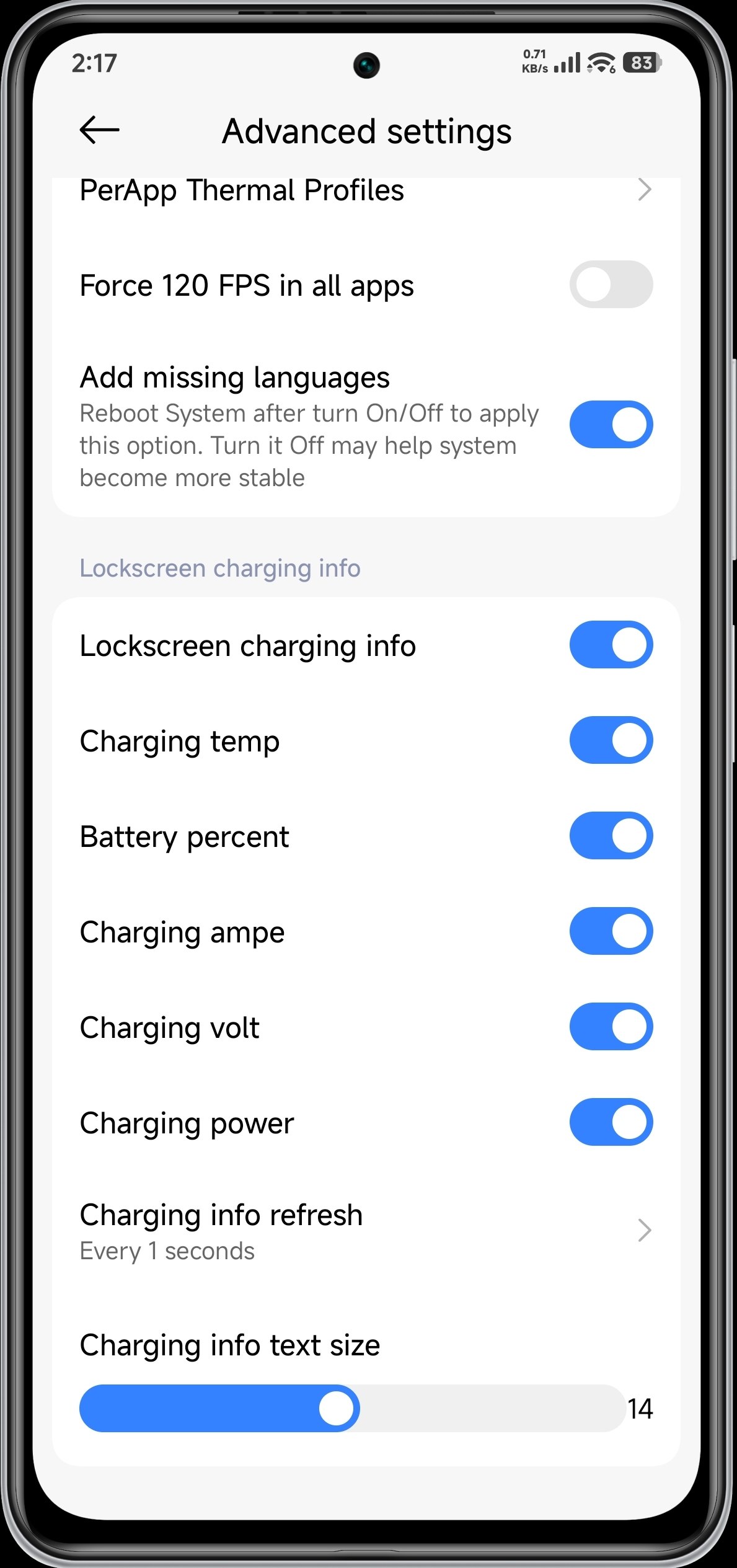
Screenshots:
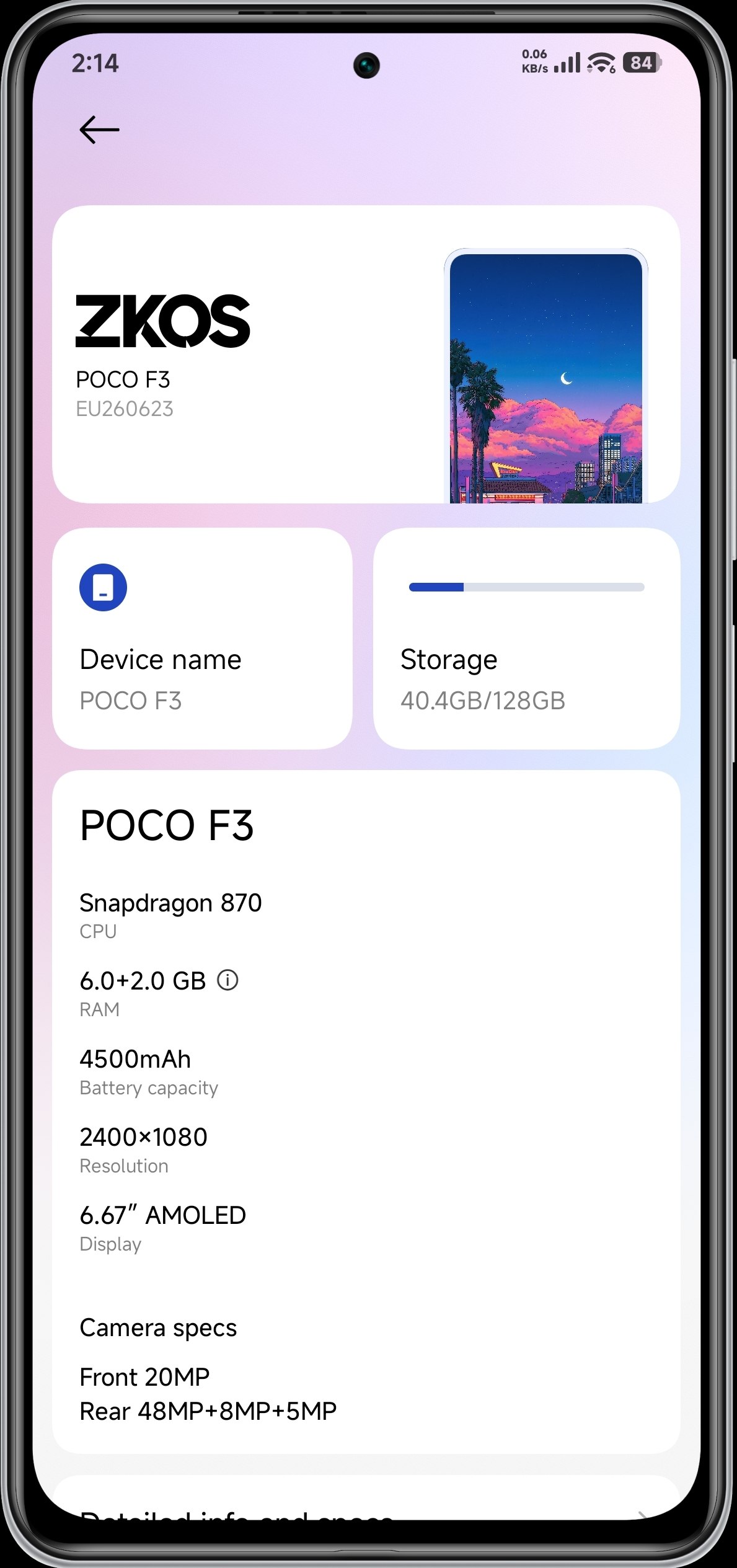
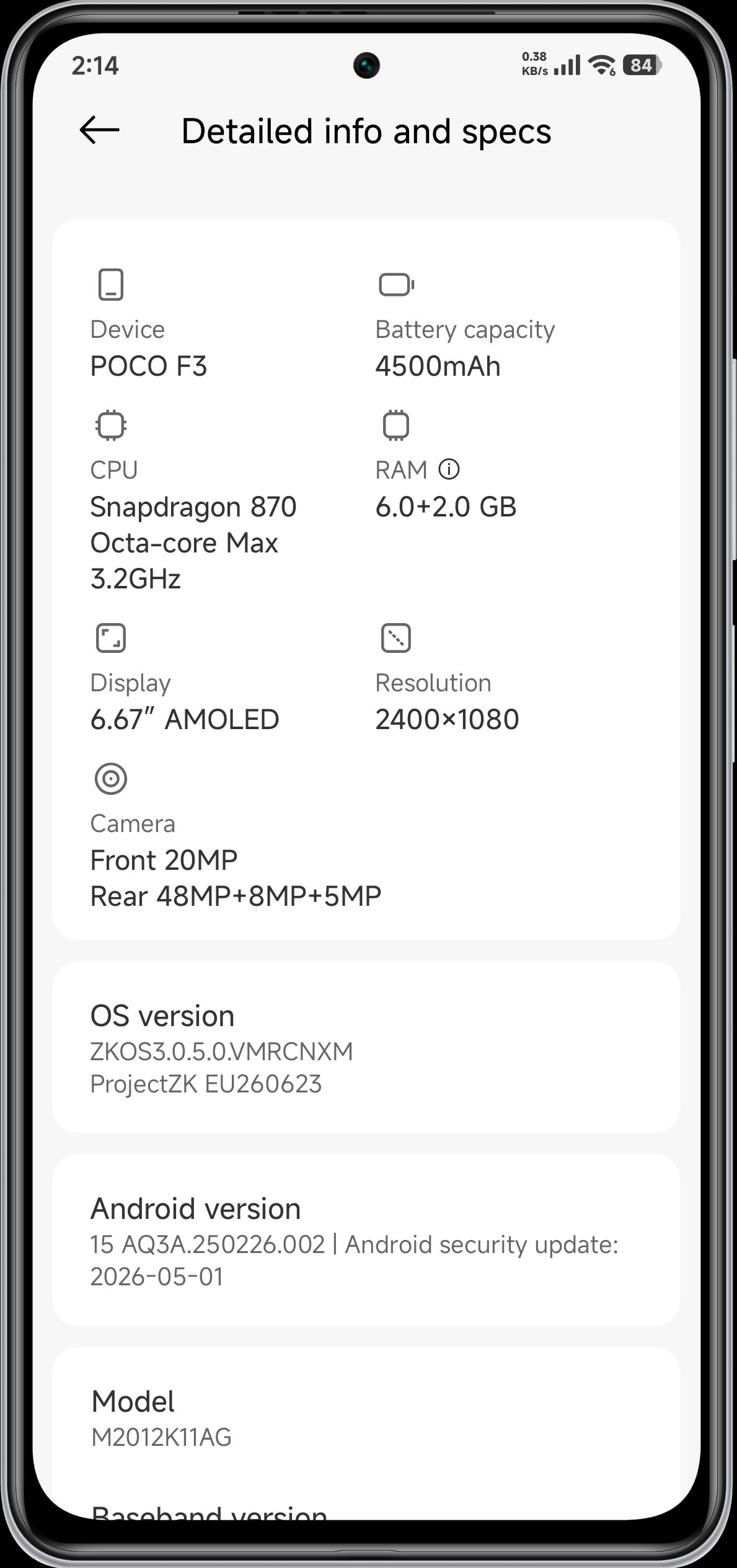
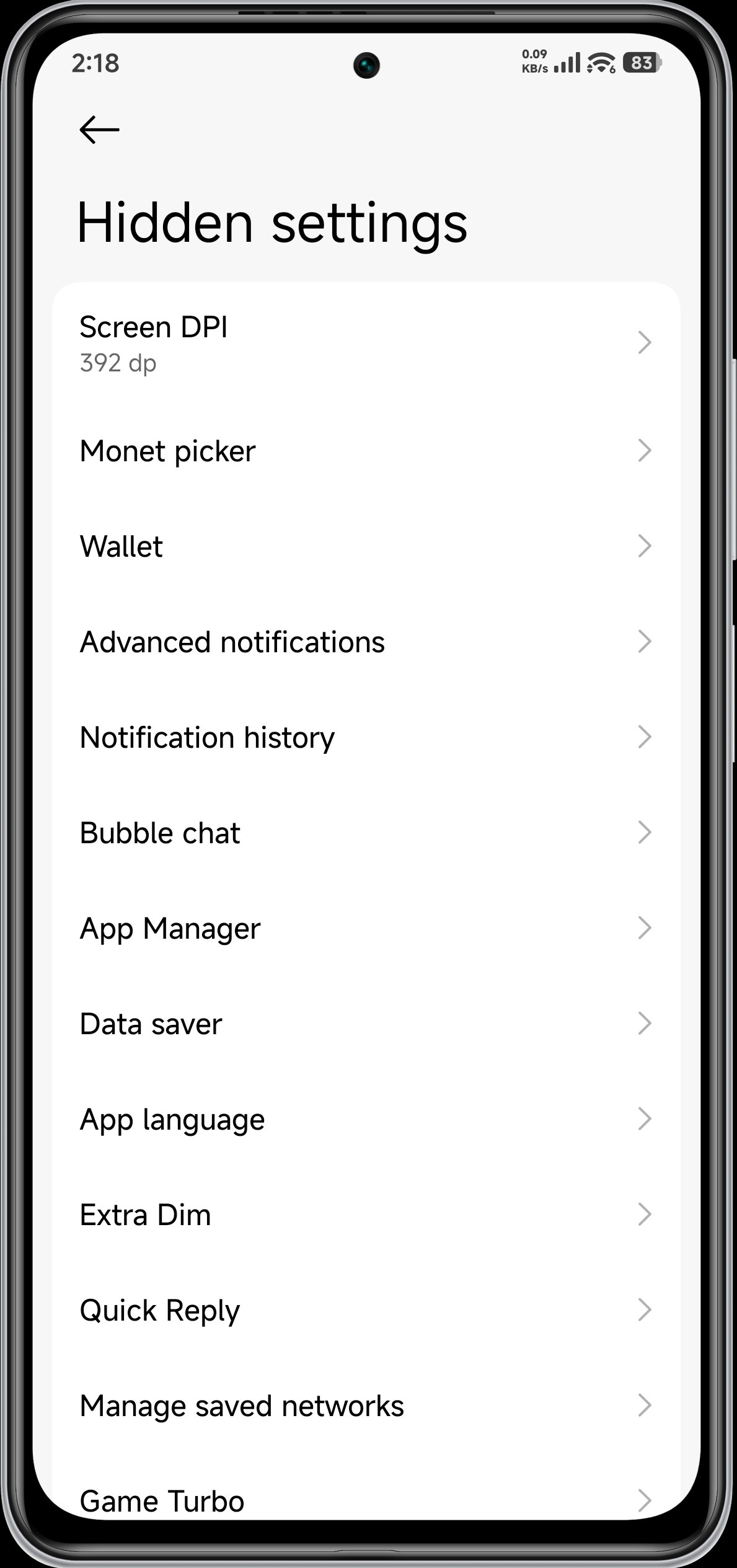
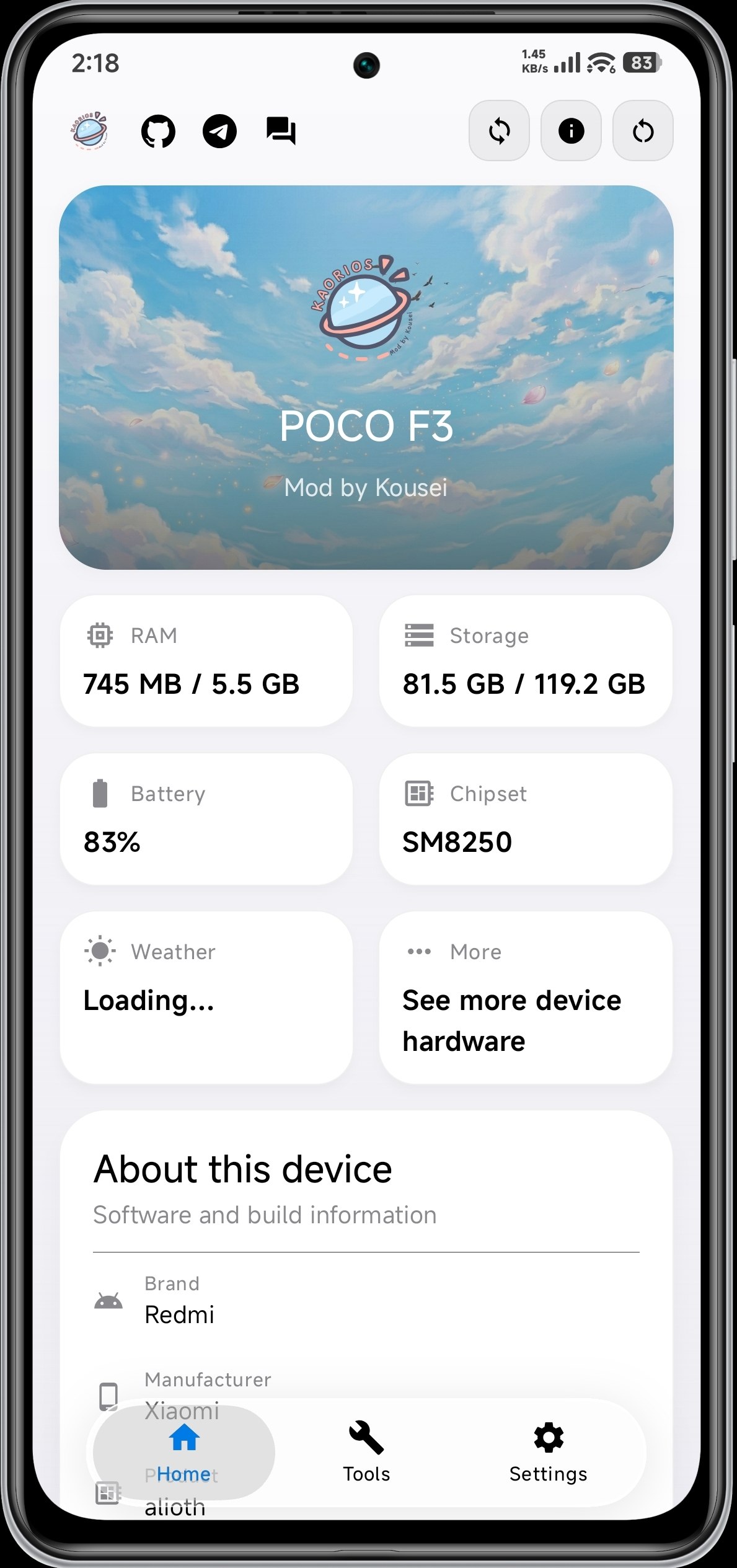
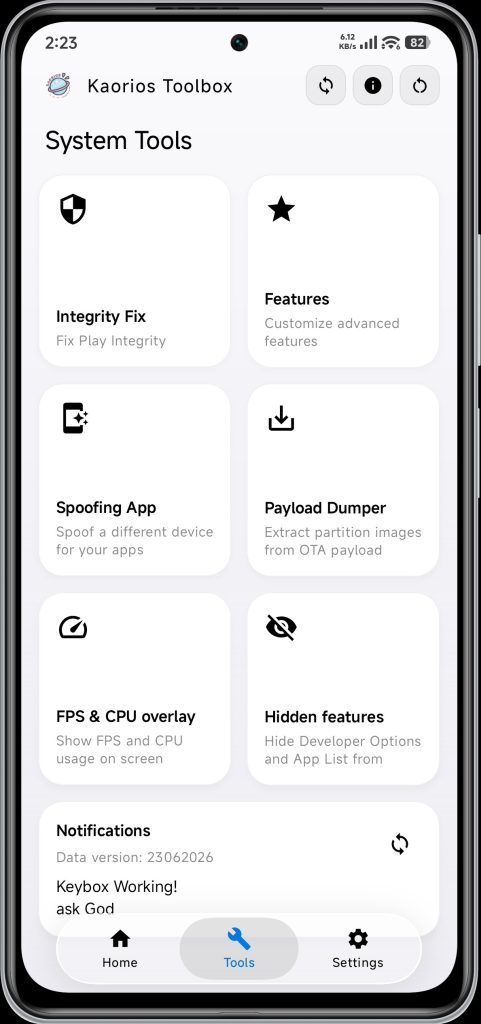
ROM Information
- ROM Name: ZKOS v3.0.5 CN
- Android Version: Android 15
- Device: POCO F3 (Alioth)
- ROM Type: Unofficial Port
- Base: POCO F5
- Developer: SiRahan
- Release Date: 24 June 2026
What’s New?
One of the major highlights of this release is the inclusion of Leica Camera 6.0, bringing Xiaomi’s latest Leica-inspired camera interface and updated photography features to the POCO F3. Users can expect a familiar camera experience similar to newer Xiaomi devices.
The ROM ships with the FakeDreamer Kernel by default, offering a balance between smooth performance, stability, and efficient resource management for everyday use.
Another welcome addition is OrangeFox Recovery, which comes pre-installed, making future updates, backups, and maintenance easier for users who regularly flash custom ROMs.
ZKOS v3.0.5 is based on the POCO F5 firmware, allowing Alioth users to experience software optimizations and newer HyperOS components adapted from newer Xiaomi hardware.
The system also utilizes EXT4 Read-Only (RO) implementation to improve filesystem reliability and maintain system integrity during normal operation.
Performance & Stability
According to the developer, the ROM has been designed to provide a smooth and stable Android 15 experience for daily use. Since this is the first public port, users are encouraged to share feedback to help improve future releases.
The developer notes that the ROM may feel slightly slow during its initial boot. This is normal, as Android performs background optimization, application indexing, and cache generation after installation. Users are advised to allow the ROM approximately 3 to 4 hours to fully settle before evaluating its performance.
With continued usage, the system is expected to become even smoother as optimization completes.
Official Changelog
- EXT4 Read-Only (RO)
- Leica Camera 6.0
- OrangeFox Recovery by default
- FakeDreamer Kernel by default
- POCO F5 firmware base
- Smooth and stable system
- First public port by the developer
Developer Notes
- The first boot may experience temporary lag while Android completes background optimization.
- Allow approximately 3–4 hours after installation for the system to stabilize.
- Performance and smoothness are expected to improve with regular use.
Known Bugs
At the time of release, the following issue has been confirmed:
- NFC is currently not working.
The developer has also encouraged users to report any additional bugs they encounter so they can be addressed in future updates.
Credits
Special thanks to the following contributors:
- mr_mishun for providing the vendor.
- zuri1503 for the ROM base.
- Honour12 for continuous guidance and development support.
Final Thoughts
The POCO F3 remains one of the strongest devices in the custom ROM community, and ZKOS v3.0.5 CN is another example of how developers continue to extend its lifespan. Featuring Android 15, Leica Camera 6.0, FakeDreamer Kernel, OrangeFox Recovery, and a POCO F5 firmware base, this ROM offers a modern software experience while maintaining smooth daily performance.
Although NFC is currently listed as a known issue and the first few hours after installation require some patience, the ROM appears to be a promising option for users who enjoy experimenting with new Android 15 builds. As always, create a complete backup before flashing and carefully follow the developer’s installation instructions to ensure a successful installation.


Running perfectly on my device so far.
The guide made installation simple.